 Membership
- MetaTrader 4
- Indicator
- latest
- Updated: 11/01/2026
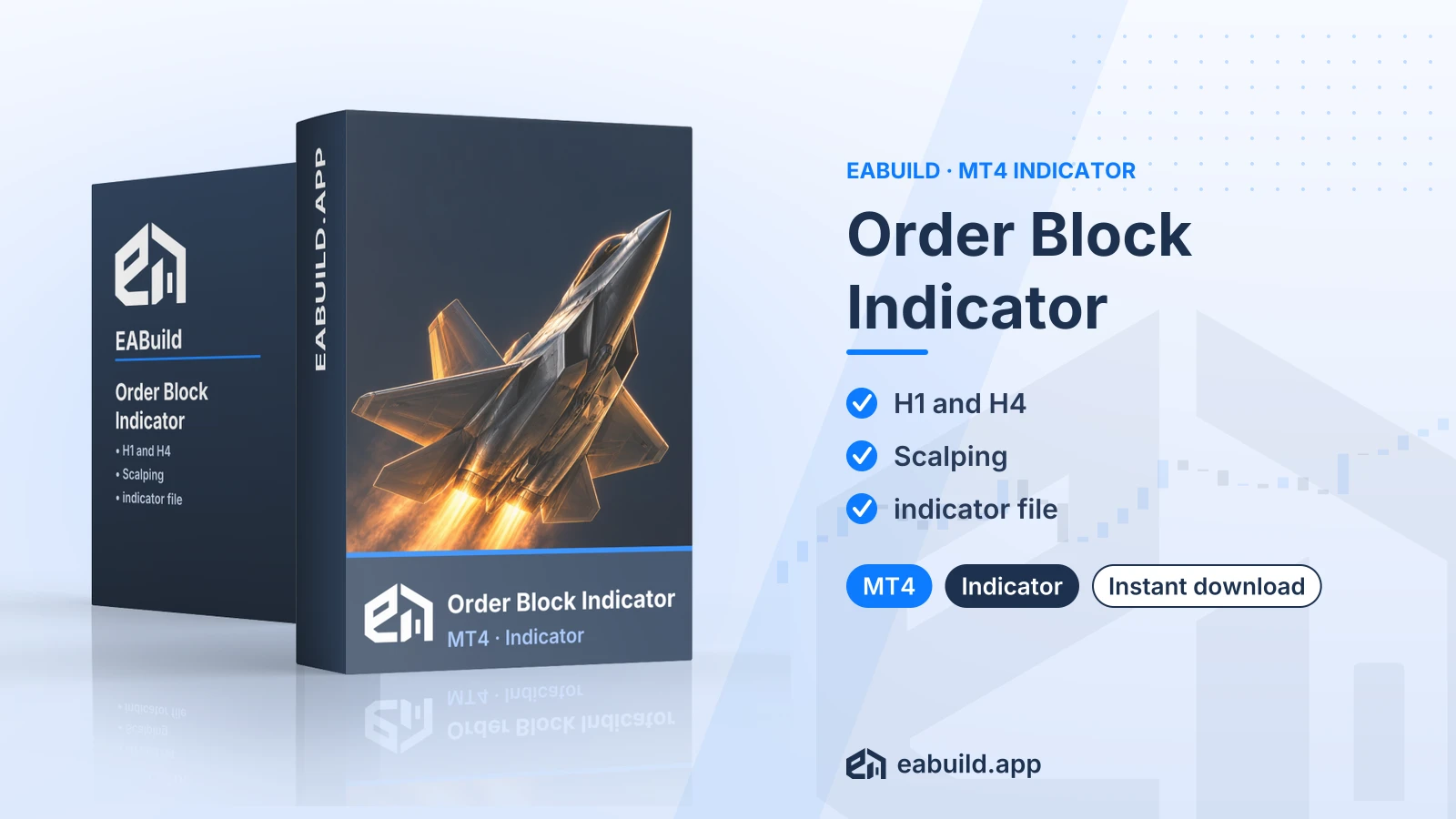
Order Block Indicator for MT4
A compiled MetaTrader 4 indicator with scalping signals, listed for H1 and H4 charts and delivered as a single indicator file.
- Platform: MetaTrader 4
- Listed timeframes: H1 and H4
- Signal type: scalping
- One compiled indicator file in the download
- No DLL in the package
Choose how to get it
$19.00
Digital product — download after payment
Download right after payment
Refund policy
Refunds within 7 days of purchase for a broken or mismatched file, a duplicate charge, or a paid order without download access. No refund once a working file is downloaded, and no profit guarantee.
Read the refund policyOrder Block Indicator for MT4 is a compiled indicator for MetaTrader 4 that draws scalping signals on your chart. It is sold here as a digital download.
- Platform: MetaTrader 4
- Timeframes: H1, H4
- Signal type: scalping
- In the package: one compiled indicator file, no set files, no PDF
- DLL: not needed
This order block indicator MT4 download is a chart indicator for MetaTrader 4. An indicator draws information on the chart for you to read; it does not open or close trades by itself, and the download contains no expert advisor.
The listing describes the signal type as scalping and names H1 and H4 as the timeframes. Scalping means looking for short, small price moves, so the entries you take from any signal on these charts are your own decisions. The sheet does not list symbols, so check on a demo chart how the indicator behaves on the instruments you trade.
It suits traders who work in MetaTrader 4 and want order block style signals shown directly on H1 or H4 charts. It does not suit anyone on MetaTrader 5, because the file is built for MT4 only.
The download holds one compiled indicator file. There is no source code, no set file, no PDF guide and no DLL. The Strategy & Settings tab explains what to check before you rely on it, and the Installation tab covers where the file goes. You can also reach this product through the membership, which includes every product in the catalogue.
Trading foreign exchange and CFDs carries a high level of risk and may not be suitable for all investors. Past performance does not guarantee future results; only trade with money you can afford to lose.
Signal type and timeframes
The listing gives the signal type as scalping and the timeframes as H1 and H4. Those are the only strategy details on the fact sheet. It does not state symbols, a minimum deposit, a version or a minimum MetaTrader build, so this page leaves them out rather than guess.
What scalping means for your testing
Scalping aims at small moves, so costs weigh more than they do for slower styles. Spread (the gap between buy and sell price) and the speed of your broker's execution can change how a signal plays out. Because this indicator is listed for H1 and H4, compare how its signals look against your broker's spreads before you act on them.
Settings
The download has no set file (a saved list of input settings), so the indicator starts from whatever inputs it ships with. Open its properties window after attaching it, read each input and note the default values before changing anything. Change one input at a time so you can see what each one does.
Before live use
Attach it to a demo account chart on H1 and then H4 and watch how signals appear as new candles form. Mark where you would have entered, and judge the result with your own rules for position size and stop placement. Past signals on a chart say nothing certain about future ones. The risk notice at the end of the Overview applies to every signal this indicator draws.
What you need
This indicator is built for MetaTrader 4. The sheet gives no minimum build number, so use a current MT4 terminal from your broker or from the MetaTrader 4 download page.
Where the file goes
- Download the ZIP and extract it into its own empty folder.
- In MetaTrader 4, choose File, then Open Data Folder, and open MQL4, then Indicators.
- Copy the single compiled indicator file there.
- Restart the terminal, or right-click Navigator and choose Refresh.
- Open an H1 or H4 chart and drag the indicator from Navigator onto it.
Product-specific checks
There are zero set files to load and the package needs no DLL, so you do not have to change any DLL option. The sheet lists no allowed or restricted symbols, so confirm on a demo chart that the indicator draws on the symbol you plan to use.
Does the Order Block Indicator for MT4 work on MetaTrader 5?
No. The listing gives the platform as MT4, so install it in MetaTrader 4 only.
What do I get when I download it?
You get one compiled indicator file. The package has no source code, no set files, no PDF and no DLL. It is a digital download.
Will it place trades for me on H1 or H4?
No. It is an indicator, so it shows signals on the chart and you decide whether to trade them. The download contains no expert advisor.
How should I test scalping signals on a demo account first?
Attach it to a demo chart on H1, then on H4, and record where signals appear over several days. Compare them with your broker's spread on that symbol, since scalping targets small moves. Trading is risky, and the risk notice in the Overview applies here; only use live money after your own testing.
Are there set files to load for the H1 and H4 charts?
No, there are zero set files. The indicator uses its own input defaults, which you can read in its properties window after attaching it.
What if I need help or a refund?
Read the refund policy for the terms. This product is also part of the membership.
- Platform
- MetaTrader 4
- Type
- Indicator
- Category
- Indicator
- Version
- latest
- Updated
- 11/01/2026
| Role | File name | Size | Version |
|---|---|---|---|
| Executable file | Order_Block_Indicator_for_MT4.zip | 344.0 KB | latest |
Related products
Membership Membership
 Membership
 Membership
 Membership
 Membership
| Product | Platform | Type | Version | Membership | Price |
|---|---|---|---|---|---|
| PipFinite Trend PRO Indicator for MT4 | MetaTrader 4 | Indicator | v5.1 | Membership | $19.00 |
| Scalper Inside PRO Indicator for MT4 | MetaTrader 4 | Indicator | v7.9 | Membership | $19.00 |
| FX Vortex Indicator for MT4 | MetaTrader 4 | Indicator | latest | Membership | $19.00 |
| Smart Market Structure Concepts Indicator for MT4 | MetaTrader 4 | Indicator | v13.7 | Membership | $19.00 |
| Trend Indicator for MT4 | MetaTrader 4 | Indicator | v3.0 | Membership | $19.00 |
| Gold XAUUSD M1 M5 Scalping Indicator for MT4 | MetaTrader 4 | Indicator | latest | Membership | $19.00 |
Reviews
No reviews yet.
Tags: Smart money and order block indicators
$19.00