 Membership
- MetaTrader 4
- Indicator
- latest
- Updated: 11/02/2026
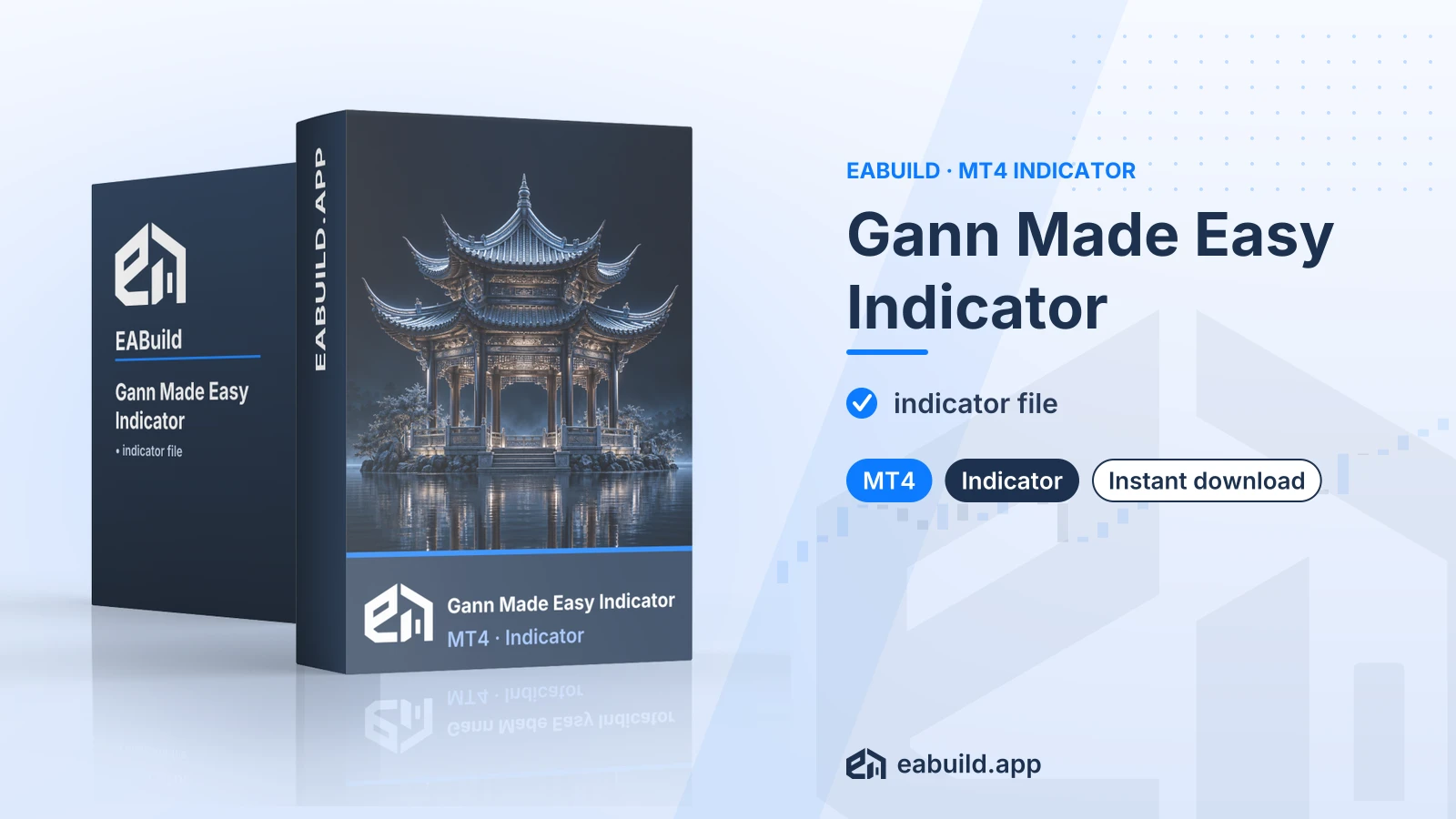
Gann Made Easy Indicator for MT4
Chart indicator for MetaTrader 4, supplied as a single compiled file with no DLL and no set files.
- Platform: MetaTrader 4
- One compiled indicator file in the download
- No DLL required
- No set files, source file or PDF included
Choose how to get it
$19.00
Digital product — download after payment
Download right after payment
Refund policy
Refunds within 7 days of purchase for a broken or mismatched file, a duplicate charge, or a paid order without download access. No refund once a working file is downloaded, and no profit guarantee.
Read the refund policyGann Made Easy is an indicator for MetaTrader 4. It is sold as a digital download and draws on your chart rather than placing trades.
- Platform: MetaTrader 4
- In the package: indicator file
- Files: 1 compiled, 0 source, 0 set files, 0 PDF
- DLL: no
The gann made easy indicator mt4 download is a chart indicator for MetaTrader 4. An indicator reads price data and shows information on the chart; it does not open or close orders by itself, because the package contains no expert advisor.
The name points to Gann-style chart analysis, a method some traders use to study price and time. The listing gives no further detail on how this file works, so this page does not describe its levels, signals or calculations. Read the Strategy & Settings tab for what is and is not known.
It suits traders who already use MetaTrader 4 and want to add one more tool to their charts; the MetaTrader indicator guide explains how indicators work on the platform. Because symbols and timeframes are not stated, you decide where to try it, and a demo account is the sensible place to start.
The download holds one compiled file. There are no source files, no set files (saved lists of input settings) and no PDF. The facts list the file as needing no DLL.
Every product on the site is a digital download, and this one is also included in the membership.
Trading foreign exchange and CFDs carries a high level of risk and may not be suitable for all investors. Past performance does not guarantee future results; only trade with money you can afford to lose.
What the listing states
The facts for this product are short. The platform is MT4 and the file is a compiled indicator. Version, minimum build, symbols, timeframes, strategy type and recommended minimum deposit are not stated, so none of them are given here.
The listing does not mention grid or martingale methods, and it says nothing about prop-firm accounts. Treat both topics as unknown. This indicator places no trades, but any orders you open by hand or with another tool based on what it shows remain your decision and your exposure.
No set files
The download has zero set files. An indicator in MetaTrader 4 usually shows its adjustable inputs when you attach it to a chart, under the Inputs tab of its properties window. Whatever inputs this file offers, you will see them there, and you can change them yourself.
Sensible testing practice
- Attach the indicator to a demo chart first and look at how it behaves on the symbols and timeframes you actually trade.
- Change one input at a time and note what changes on the chart.
- Check how it looks on both quiet and fast-moving periods before you rely on it.
- Decide your own lot size and stop-loss rules before any live trade; the indicator does not set them.
This product is built for MetaTrader 4 only. No minimum build is listed. The facts list one compiled file and no DLL, so there are no DLL settings to change.
- Download the zip archive from your account after payment and unpack it on your computer.
- In MetaTrader 4, choose File, then Open Data Folder, and go to MQL4 and then Indicators.
- Copy the compiled indicator file into that Indicators folder.
- Restart MetaTrader 4, or right-click the Navigator panel and choose Refresh.
- Find the indicator in the Navigator under Indicators and drag it onto a chart.
No set files come with it, so there is nothing to load. No symbol restriction is listed; try it on a demo account with the symbol you want to chart. If you need the platform itself, the MetaTrader 4 website has the download.
Will Gann Made Easy work on MetaTrader 5?
The listing is for MetaTrader 4 only. A compiled MT4 indicator does not load in MT5, and no MT5 version is part of this download.
Do I get any set files or source code with this indicator?
No. The download holds one compiled indicator file, with no source file, no set files and no PDF. That means you cannot open the logic in MetaEditor, and you adjust it only through the inputs the file shows.
Does a Gann indicator place trades for me?
No. This is an indicator, and the package has no expert advisor. It displays information on the chart and you make every trading decision yourself.
Which symbols and timeframes is this indicator meant for?
The facts do not say. Test it on a demo account across the symbols and timeframes you use, and judge for yourself whether it fits your method. Trading is risky, so read the risk notice in the Overview and the risk warning page before trading live.
Do I need to allow DLL imports?
The facts mark this file as needing no DLL, so there is no DLL option to switch on for it.
What if I need help or want a refund?
Read the refund policy for the terms that apply to downloads from this shop.
- Platform
- MetaTrader 4
- Type
- Indicator
- Category
- Indicator
- Version
- latest
- Updated
- 11/02/2026
| Role | File name | Size | Version |
|---|---|---|---|
| Executable file | Gann_Made_Easy_Indicator_for_MT4.zip | 27.6 KB | latest |
Related products
Membership Membership
 Membership
 Membership
 Membership
 Membership
| Product | Platform | Type | Version | Membership | Price |
|---|---|---|---|---|---|
| Best Currency Strength Indicator for MT4 | MetaTrader 4 | Indicator | v4.2 | Membership | $19.00 |
| Atomic Analyst Indicator for MT4 | MetaTrader 4 | Indicator | v40.0 | Membership | $19.00 |
| Apex Sniper Arrow Indicator for MT4 | MetaTrader 4 | Indicator | latest | Membership | $19.00 |
| German Sniper Indicator for MT4 | MetaTrader 4 | Indicator | v1 | Membership | $19.00 |
| Smart System Pro Indicator for MT5 | MetaTrader 5 | Indicator | latest | Membership | $19.00 |
| Forex Gump Indicator for MT4 | MetaTrader 4 | Indicator | v1.0 | Membership | $19.00 |
Reviews
No reviews yet.
Tags: MetaTrader Indicators
$19.00