 Membership
- MetaTrader 4
- Indicator
- latest
- Updated: 11/10/2026
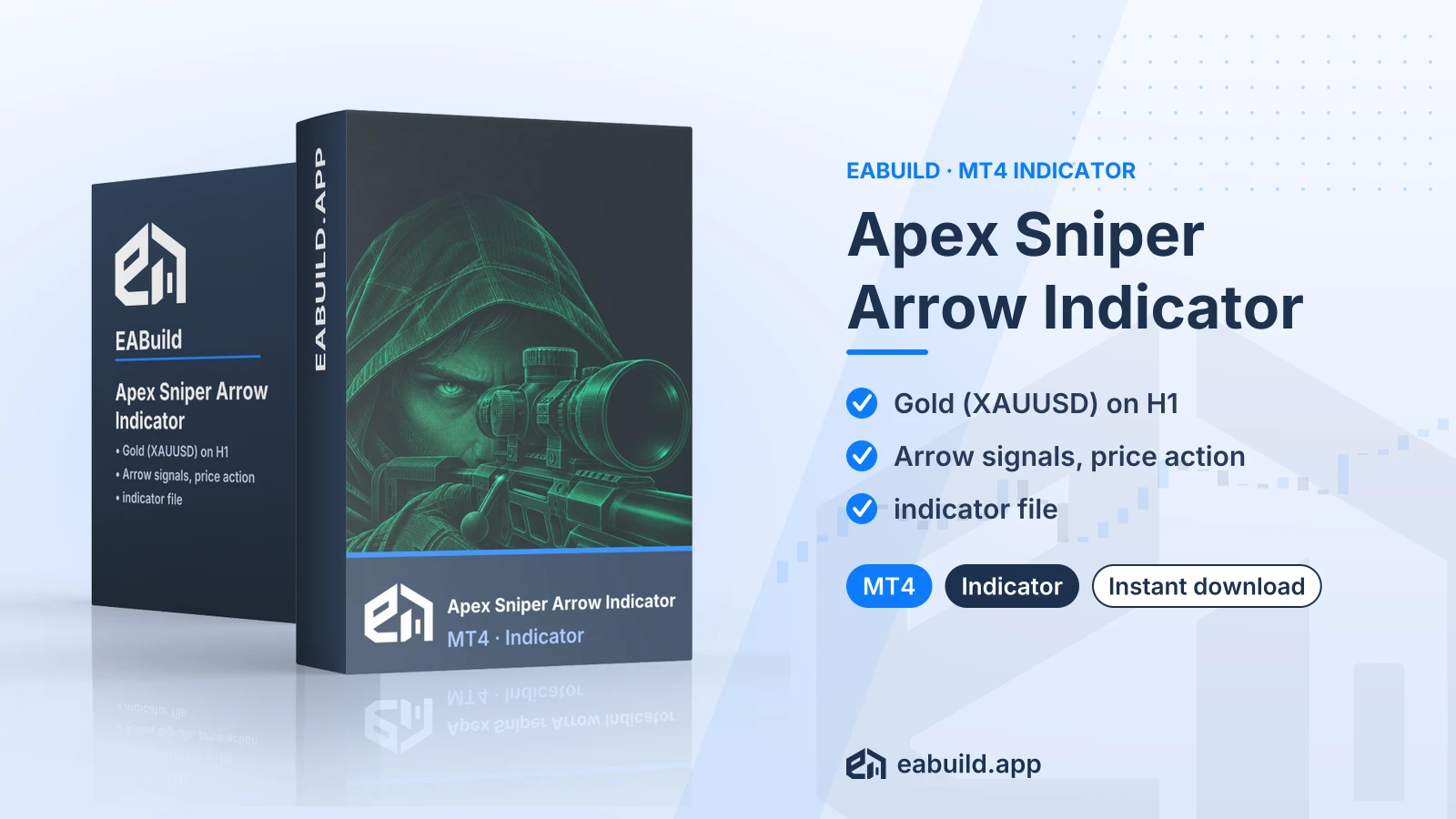
Apex Sniper Arrow Indicator for MT4
MT4 indicator that draws arrow signals from price action, built around XAUUSD on the H1 chart. One compiled file, no DLL.
- MetaTrader 4, build 1471 or later
- Designed for XAUUSD on the H1 timeframe
- Arrow signals based on price action
- One compiled indicator file, no set files
- No DLL needed
Choose how to get it
$19.00
Digital product — download after payment
Download right after payment
Refund policy
Refunds within 7 days of purchase for a broken or mismatched file, a duplicate charge, or a paid order without download access. No refund once a working file is downloaded, and no profit guarantee.
Read the refund policyApex Sniper Arrow Indicator for MT4 is a chart indicator for MetaTrader 4 that shows arrow signals on XAUUSD (gold) charts.
- Platform: MetaTrader 4, build 1471 or later
- Symbol: XAUUSD
- Timeframe: H1
- Signal type: arrow signals, price action
- In the package: one compiled indicator file
Apex Sniper Arrow Indicator MT4 is a chart indicator for MetaTrader 4. It marks the chart with arrows, and the listing describes its logic as arrow signals combined with price action. The listing names XAUUSD (gold against the US dollar) as the symbol and H1 (one-hour candles) as the timeframe.
Price action means reading the movement of price itself, such as candles, highs and lows, instead of a stack of separate oscillators. An indicator only draws on the chart. It does not open or close trades, so every entry and exit decision stays with you.
It suits traders who use MetaTrader 4 and want an arrow overlay on an hourly gold chart. If you work on MT5 or on other symbols, the listing gives no basis to assume it fits your setup. For other signal tools on the same platform, you can compare the German Sniper indicator for MT4 and the Stalker Arrow indicator for MT4, which belong to the same arrow and signal group in our catalogue.
The download holds one compiled indicator file, with no source file, no set files and no PDF. It needs MetaTrader 4 build 1471 or newer. The Strategy & Settings tab goes through the symbol, timeframe and how to test the signals, and the Installation tab covers the file itself. It is a digital download and is included in the membership.
Trading foreign exchange and CFDs carries a high level of risk and may not be suitable for all investors. Past performance does not guarantee future results; only trade with money you can afford to lose.
Signal type
The listing states arrow signals and price action as the strategy. In practice that means the indicator plots an arrow on the chart when its price-action logic triggers. The listing does not describe the exact rules, and neither does this page, so treat the arrows as one input to your own analysis.
Symbol and timeframe
The listed symbol is XAUUSD and the listed timeframe is H1. Gold can move sharply during news and at session opens, and the spread differs from broker to broker. Check how your broker quotes XAUUSD before you rely on any signal.
Settings and deposit
The download has no set files. A set file is a saved list of input values that MetaTrader can load, and this package does not ship one, so you work with the indicator's own inputs window. The listing gives no recommended minimum deposit. Because the indicator places no orders, deposit size depends on how you choose to trade the arrows yourself.
The listing does not say whether the indicator repaints, redraws past arrows or sends alerts, so do not assume either way. Watch it on a demo account for several sessions and compare arrows on closed candles with what you see live.
Testing first
Open a demo account, attach the indicator to an XAUUSD H1 chart and record what each arrow would have meant for a trade before you commit any real money. Check your own stop-loss and position-size rules against gold's volatility. Then read the risk notice at the end of the Overview tab again.
Platform and build
This indicator is for MetaTrader 4 only, build 1471 or newer. Check your build number in the Help menu, then About, and update the platform if it is older.
The file
The zip contains one compiled indicator file and nothing else: no set files, no source code and no DLL. Because no DLL is involved, you do not need to change any DLL permission in the platform options. Copy the file into the Indicators folder of your MetaTrader 4 data folder (File, then Open Data Folder, then MQL4, then Indicators), restart the platform or refresh the Navigator panel, and drag the indicator onto a chart.
Chart to use
Open an XAUUSD chart and switch it to H1, the symbol and timeframe named in the listing. Your broker may add a suffix to the symbol name, such as XAUUSD.m, so pick the gold symbol your account offers.
Does the Apex Sniper Arrow indicator work on MT5?
No. The listing is for MetaTrader 4 only, and the file needs build 1471 or newer. An MT4 indicator file does not load in MT5, so choose another product if your platform is MT5.
Will it place trades for me on XAUUSD?
No. It is an indicator, so it draws arrow signals on the chart and nothing else. You decide whether to trade, and you place and manage every order yourself.
Why is only the H1 timeframe listed, and can I use other charts?
The listing names XAUUSD on H1 and gives nothing for other symbols or timeframes. You can attach it elsewhere to look at the result, but this page cannot say how the arrows behave there, so test that on a demo account.
Do I get set files or source code with the download?
No. The package is one compiled indicator file with no set files, no source code and no PDF, and it needs no DLL.
How should I test arrow signals on gold before trading live?
Run the indicator on a demo XAUUSD H1 chart, note each arrow and what price did next, and check your results against your own risk limits. Trading is risky and past arrows do not predict future ones, as the risk notice in the Overview says.
What if the file does not work for me?
Check the Installation tab first, then see the refund policy for what applies.
- Platform
- MetaTrader 4
- Type
- Indicator
- Category
- Indicator
- Version
- latest
- Updated
- 11/10/2026
| Role | File name | Size | Version |
|---|---|---|---|
| Executable file | Apex_Sniper_Arrow_Indicator_for_MT4.zip | 20.9 MB | latest |
Related products
Membership Membership
 Membership
 Membership
 Membership
 Membership
| Product | Platform | Type | Version | Membership | Price |
|---|---|---|---|---|---|
| Gold XAUUSD M1 M5 Scalping Indicator for MT4 | MetaTrader 4 | Indicator | latest | Membership | $19.00 |
| Best Currency Strength Indicator for MT4 | MetaTrader 4 | Indicator | v4.2 | Membership | $19.00 |
| Atomic Analyst Indicator for MT4 | MetaTrader 4 | Indicator | v40.0 | Membership | $19.00 |
| Gann Made Easy Indicator for MT4 | MetaTrader 4 | Indicator | latest | Membership | $19.00 |
| German Sniper Indicator for MT4 | MetaTrader 4 | Indicator | v1 | Membership | $19.00 |
| Smart System Pro Indicator for MT5 | MetaTrader 5 | Indicator | latest | Membership | $19.00 |
Reviews
No reviews yet.
Tags: MetaTrader Indicators
$19.00