 Membership
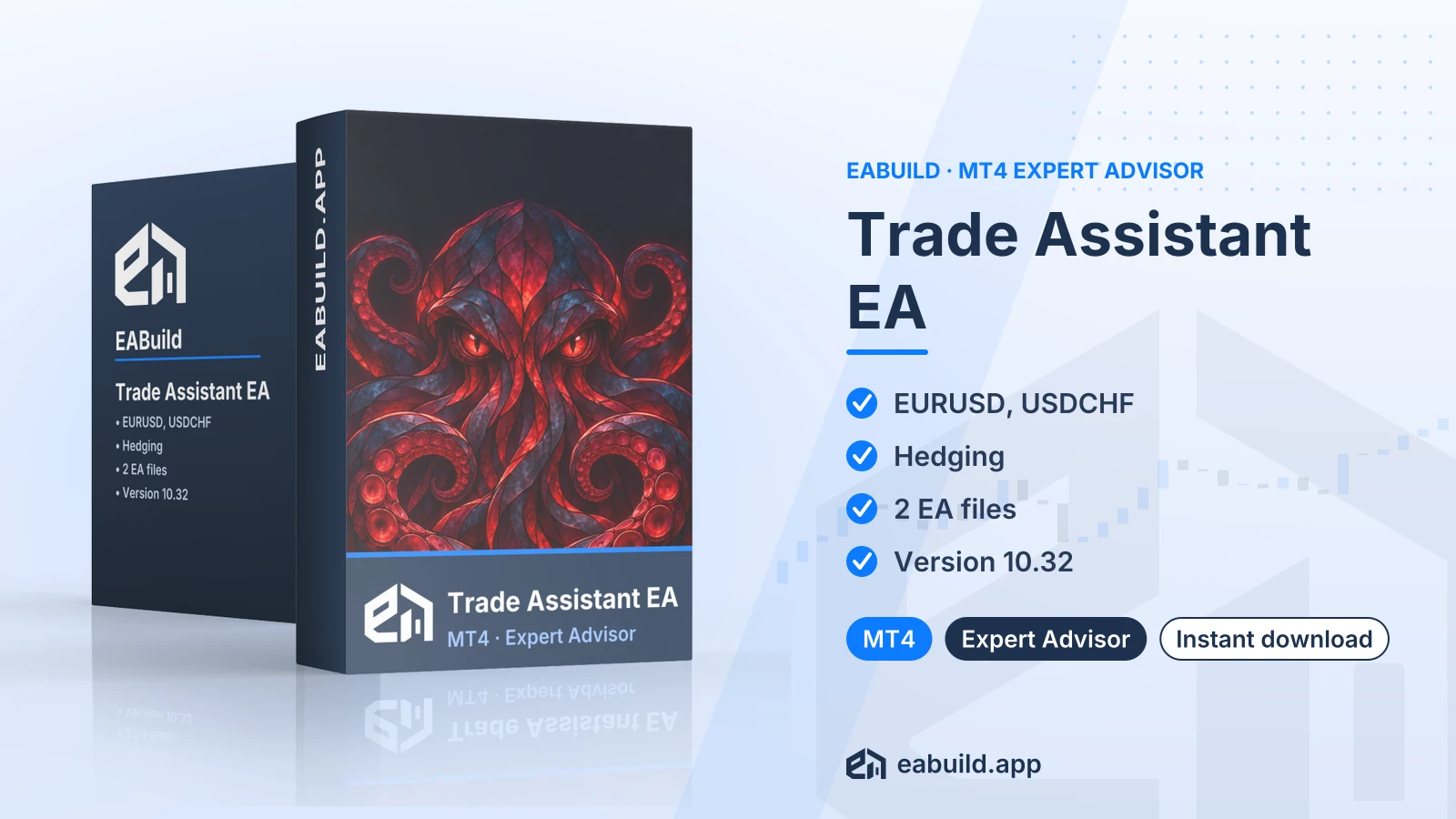
- MetaTrader 4
- Expert Advisor
- v10.32
- Diperbarui: 09/11/2026
Trade Assistant EA for MT4
Compiled hedging EA for MetaTrader 4, listed for EURUSD and USDCHF, with one helper file in the download.
- MetaTrader 4, build 1471 or newer
- Hedging strategy
- Symbols: EURUSD and USDCHF
- Two compiled files, DLL not needed
- Version 10.32
Pilih cara mendapatkannya
US$29,00
Produk digital — unduh setelah pembayaran
Unduh langsung setelah pembayaran
Kebijakan pengembalian dana
Pengembalian dana dalam 7 hari sejak pembelian untuk file rusak atau tidak sesuai deskripsi, tagihan ganda, atau pesanan yang sudah dibayar tanpa akses unduhan. Tidak ada pengembalian dana setelah file yang berfungsi diunduh, dan tidak ada jaminan keuntungan.
Baca kebijakan pengembalian danaBuat strategi serupa di Studio
Gratis dicoba: edit di Builder, backtest, lalu unduh EA-nya.
Membuat versi MT5
Trade Assistant is an expert advisor for MetaTrader 4 that uses a hedging approach on EURUSD and USDCHF. You download it as compiled files and run it on an MT4 chart.
- Platform: MetaTrader 4 (build 1471+), version 10.32
- Symbols: EURUSD, USDCHF
- Strategy: hedging; grid/martingale: not mentioned
- In the package: EA file + 1 helper file
- DLL: no
This trade assistant ea mt4 download is an expert advisor (an automated program that places trades on a chart) built for MetaTrader 4. The listing describes its strategy as hedging and names two symbols, EURUSD and USDCHF.
Hedging means holding buy and sell positions on the same symbol at the same time. How this particular EA opens, sizes and closes those positions is not described in the listing, so read its input parameters carefully before you attach it to a chart.
It suits traders who use MT4 rather than MT5, whose broker and account type allow hedged positions, and who want to work with EURUSD or USDCHF. The listing gives no timeframe and no recommended minimum deposit, so those are choices you need to test for yourself.
The download contains two compiled files: the EA itself and one helper file. There are no source files, no set files and no PDF guide. The EA is version 10.32 and needs MetaTrader 4 build 1471 or newer. See the Strategy & Settings tab for how to approach testing.
Buying gives you an instant digital download after payment. The EA is also included in the membership, which covers every product in the catalogue.
Trading foreign exchange and CFDs carries a high level of risk and may not be suitable for all investors. Past performance does not guarantee future results; only trade with money you can afford to lose.
Strategy type
The listing states one strategy label: hedging. On this page that means the EA works with opposing buy and sell positions on a symbol. The listing does not say whether it also uses a grid (extra orders at set price steps) or martingale (larger lots after a loss), so treat that as unknown and read the inputs yourself.
Symbols and timeframes
Symbols as listed: EURUSD and USDCHF. No timeframe is given, and none is assumed here. Check the EA's input window and the chart settings before you start a test.
Deposit and account type
No recommended minimum deposit is listed. Because hedging needs both directions open on one symbol, confirm that your broker offers a hedging-enabled MT4 account. Some accounts net opposing positions or restrict them.
Set files
The download has no set files. You enter the inputs by hand in the EA's properties window, so note every value you change and keep a record of it for later comparison.
Testing practice
Run the EA on a demo account for EURUSD and USDCHF first. Watch how open positions behave while price moves against them, and how margin usage changes when both sides are open. Only consider a live account once you understand what the EA is doing and which loss you can accept.
Platform and build
This EA is for MetaTrader 4 only. The listing gives build 1471 as the minimum, so update your terminal if it is older. You can get the platform from metatrader4.com or from your broker.
Files
The package holds two compiled files: the EA and one helper file. Open the platform's data folder through File, then Open Data Folder, and copy the compiled files into the folders MetaTrader 4 uses for compiled programs. Keep both files together, then restart MT4 or refresh the Navigator so the EA appears.
Before you attach it
- Open a chart of EURUSD or USDCHF, the two symbols listed.
- Enable algo trading in the toolbar so the EA is allowed to place trades.
- There are no set files, so enter the inputs manually.
- Use a demo account while you check the behaviour.
Will Trade Assistant 10.32 run on my MT5 terminal?
No. This is the MT4 version, and the listing requires MetaTrader 4 build 1471 or newer. An MT5 terminal cannot load it.
Why are there no set files in the Trade Assistant download?
The facts list two compiled files, zero set files, zero source files and no PDF. The package is the EA plus one helper file, so inputs are entered by hand in the EA's properties window.
Does a hedging EA need a special broker account for EURUSD and USDCHF?
Hedging means holding buy and sell positions on the same symbol together, so your MT4 account should allow that. The listing does not name any broker requirement, so ask your broker whether hedging is permitted on your account type.
How should I test the hedging behaviour before going live?
Trading is risky, and a hedging strategy does not remove that. Run the EA on a demo account on one listed symbol first, review each open position, and read the risk notice at the end of the Overview tab. Move to a live account only if you accept the possible loss.
Does Trade Assistant need a DLL?
No. The facts state DLL: no, so you do not need to allow DLL imports for it.
What if I need help or a refund?
Read the refund policy for the terms. This shop sells the files as a digital download and is not the developer of the EA.
- Platform
- MetaTrader 4
- Jenis
- Expert Advisor
- Kategori
- Bot trading (EA)
- Versi
- v10.32
- Diperbarui
- 09/11/2026
| Jenis file | Nama file | Ukuran | Versi |
|---|---|---|---|
| File eksekusi | Trade_Assistant_EA_for_MT4.zip | 8.3 MB | v10.32 |
Produk terkait
Membership Membership
 Membership
 Membership
 Membership
 Membership
| Produk | Platform | Jenis | Versi | Membership | Harga |
|---|---|---|---|---|---|
| Gold Breakouts EA for MT5 | MetaTrader 5 | Expert Advisor | latest | Membership | US$29,00 |
| Gold Zilla AI EA for MT4 | MetaTrader 4 | Expert Advisor | v1.1 | Membership | US$29,00 |
| Bonnitta EA for MT4 | MetaTrader 4 | Expert Advisor | v1.42 | Membership | US$29,00 |
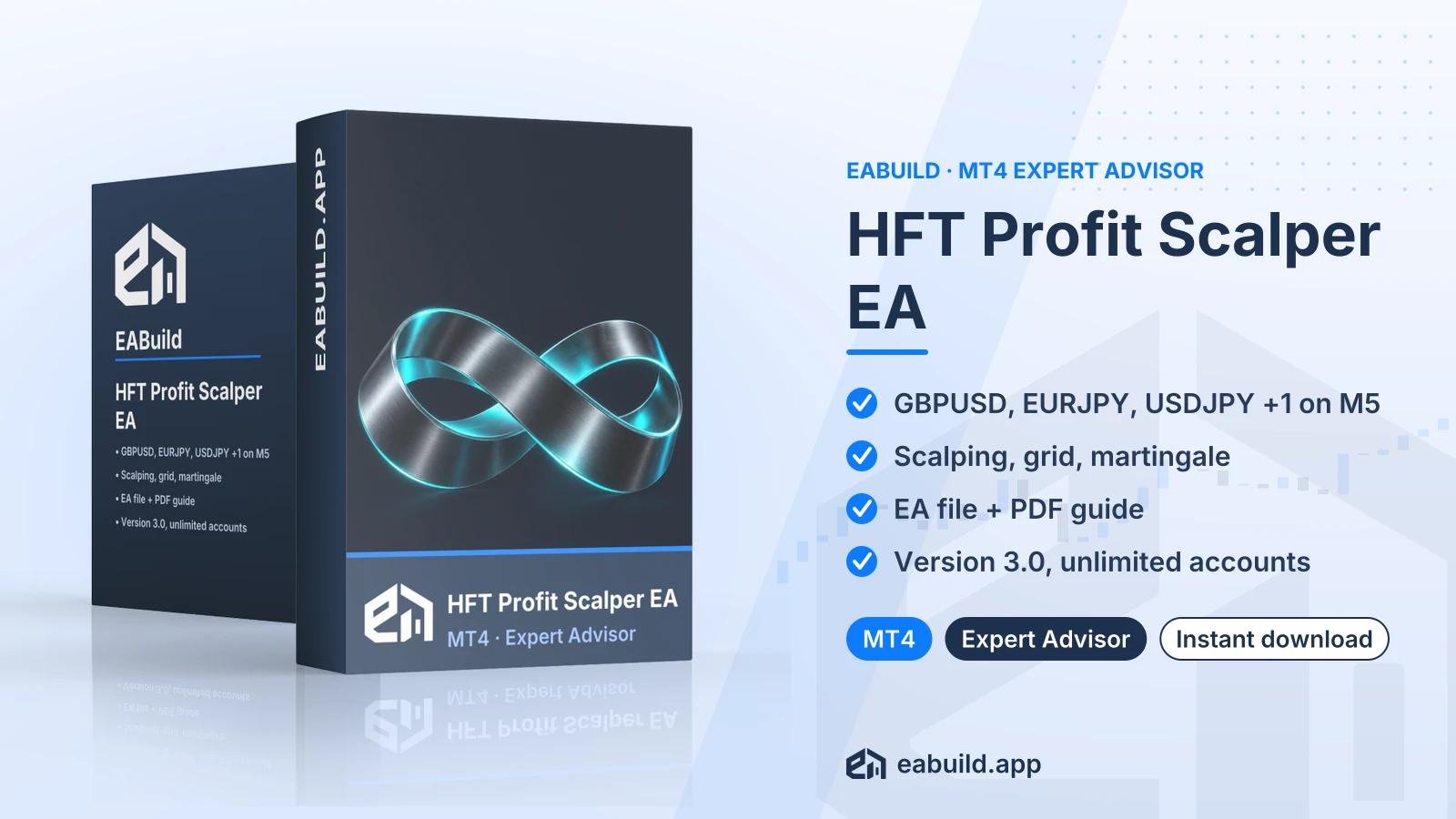
| HFT Profit Scalper EA for MT4 | MetaTrader 4 | Expert Advisor | v3.0 | Membership | US$29,00 |
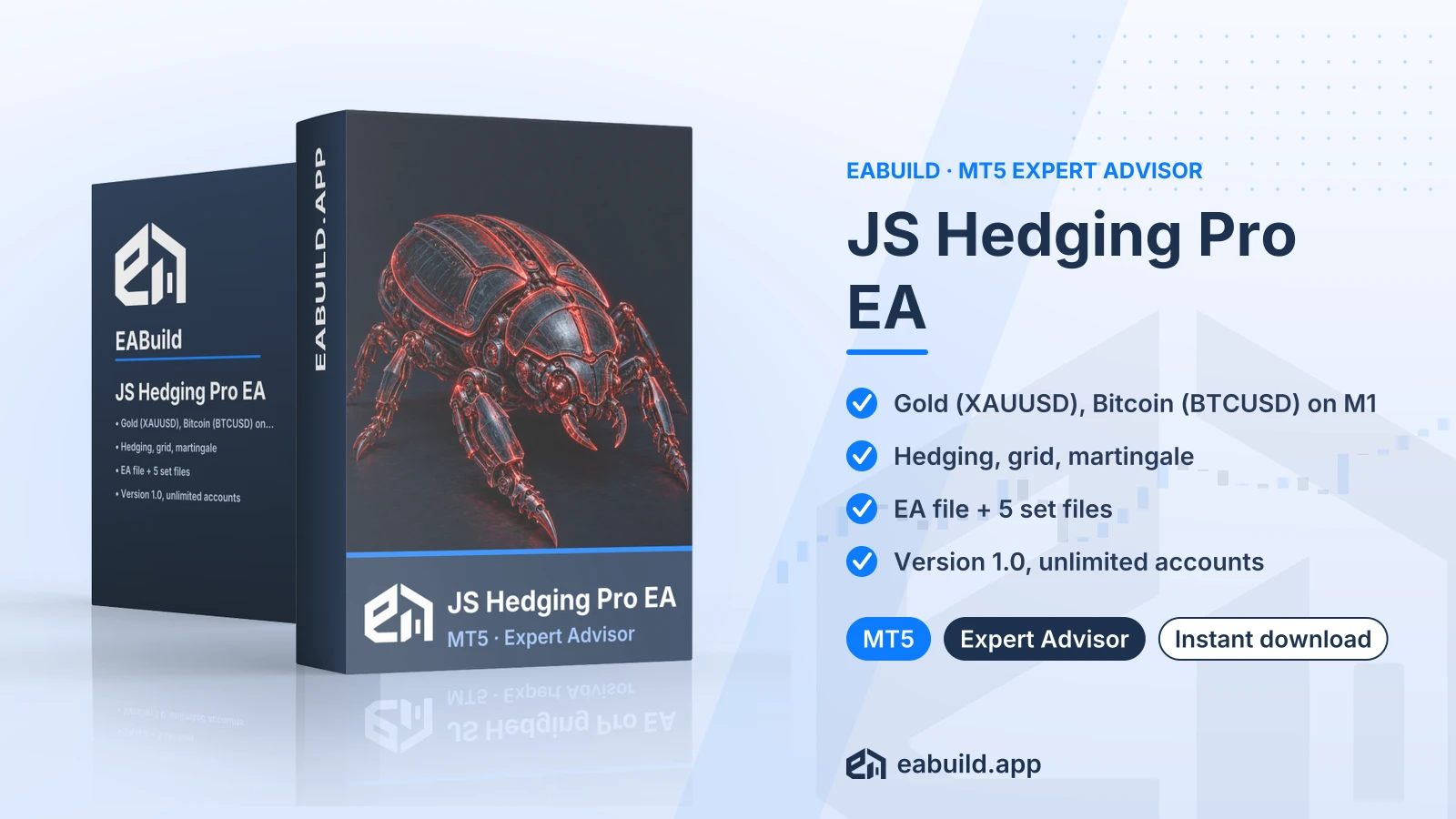
| JS Hedging Pro EA for MT5 | MetaTrader 5 | Expert Advisor | v1.0 | Membership | US$29,00 |
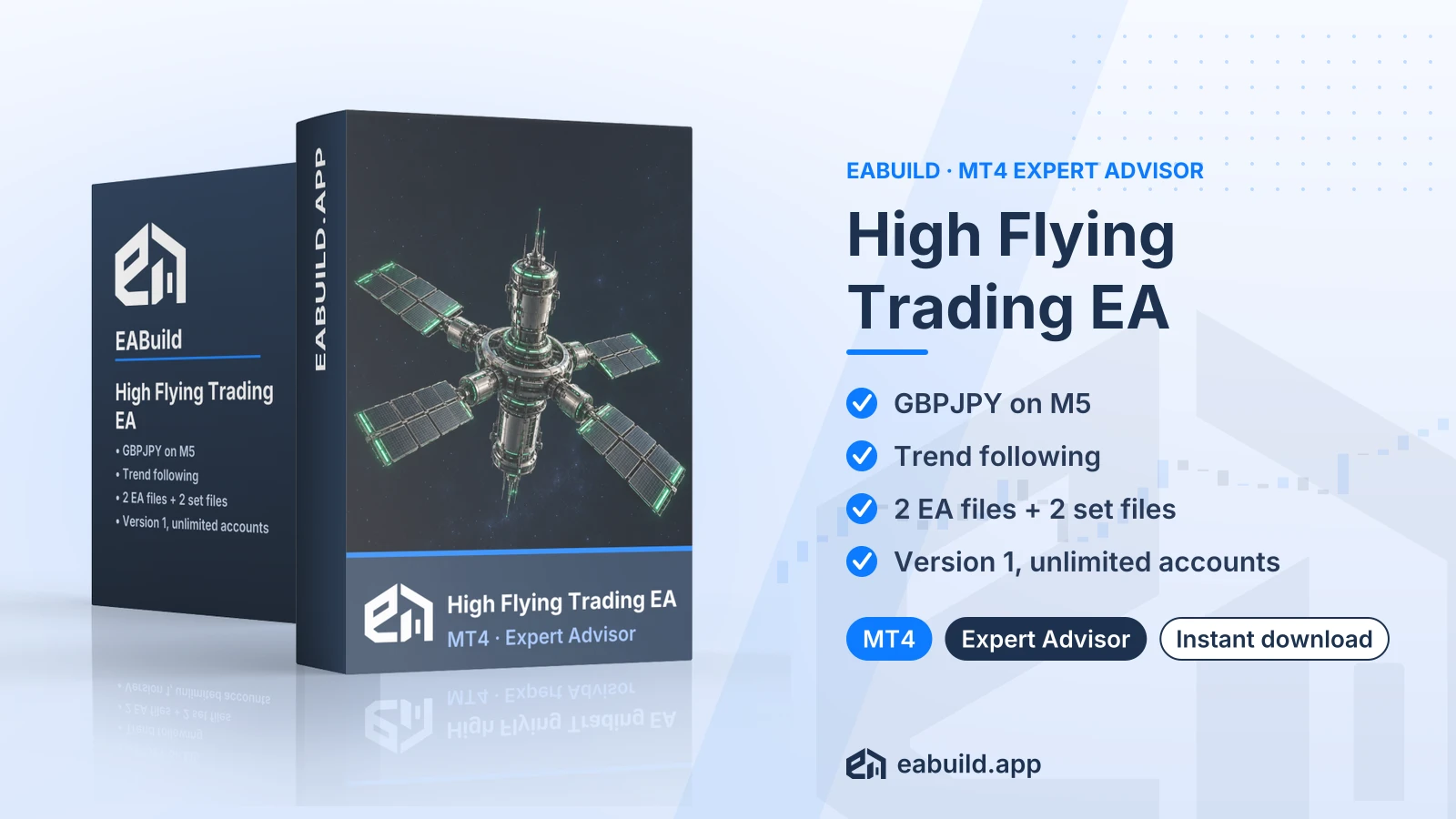
| High Flying Trading EA for MT4 | MetaTrader 4 | Expert Advisor | v1 | Membership | US$29,00 |
Ulasan
Belum ada ulasan.
Tag: Forex EAs and Tools
US$29,00