 Membership
- MetaTrader 4
- Expert Advisor
- v1.7
- Updated: 11/01/2026
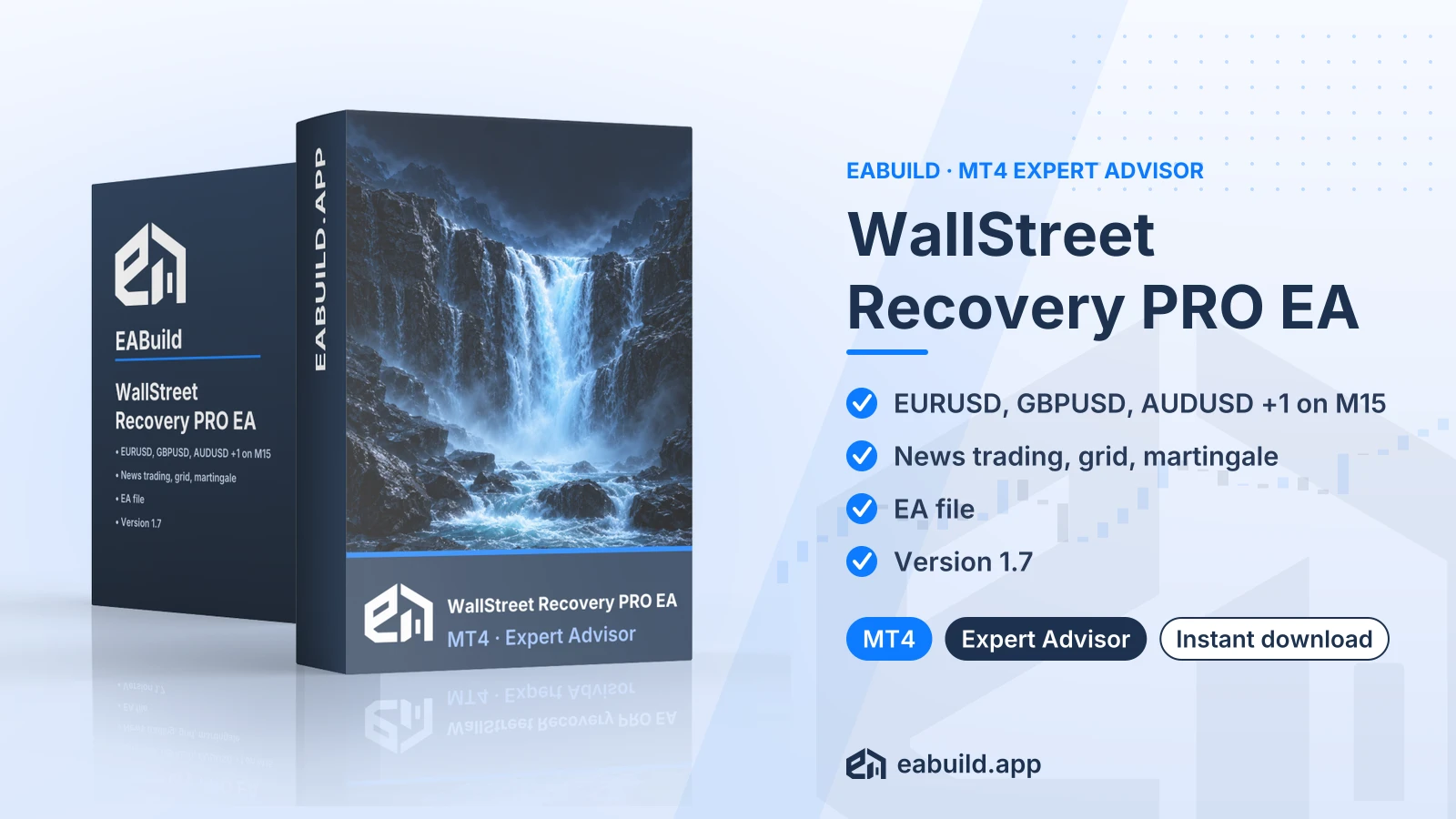
WallStreet Recovery PRO EA for MT4
MT4 expert advisor that combines news trading with grid and martingale logic on M15, for EURUSD, GBPUSD, AUDUSD and USDJPY.
- MetaTrader 4, build 1476 or newer
- Symbols: EURUSD, GBPUSD, AUDUSD, USDJPY
- Timeframe: M15
- News trading with grid and martingale
- One compiled EA file, no DLL
Choose how to get it
$29.00
Digital product — download after payment
Download right after payment
Refund policy
Refunds within 7 days of purchase for a broken or mismatched file, a duplicate charge, or a paid order without download access. No refund once a working file is downloaded, and no profit guarantee.
Read the refund policyBuild a similar strategy in Studio
Free to try: edit it in the Builder, backtest, download the EA.
Builds an MT5 version
WallStreet Recovery PRO is an expert advisor for MetaTrader 4 that trades four major currency pairs on the M15 timeframe. It is sold as a digital download.
- Platform: MetaTrader 4 (build 1476+), version 1.7
- Symbols: EURUSD, GBPUSD, AUDUSD, USDJPY
- Timeframe: M15
- Strategy: news trading, grid, martingale
- Recommended minimum deposit: $100
- In the package: one compiled EA file, no DLL
- Prop firm: built with prop-firm challenge rules in mind
WallStreet Recovery PRO EA MT4 is an automated trading program for MetaTrader 4. Once you attach it to a chart and enable algo trading, it opens and manages orders without manual input. This page covers version 1.7.
The listing describes its strategy as news trading combined with a grid and martingale. News trading means taking trades around economic releases. A grid opens extra orders at set price steps, and martingale raises the lot size after a losing trade. The sections below explain what each of these means in practice.
It suits traders who work on MetaTrader 4 and want an EA for EURUSD, GBPUSD, AUDUSD or USDJPY on M15. The listing also notes that it was built with prop-firm challenge rules in mind. A prop firm is a company that funds traders who pass its evaluation.
The download holds one compiled EA file and nothing else: no source code, no set files, no PDF guide. It does not need a DLL. The EA requires MetaTrader 4 build 1476 or newer. Read the Strategy & Settings tab before you load it on a chart.
You can buy it and download it right after payment, or use it through the membership, which includes every product in the catalogue.
Trading foreign exchange and CFDs carries a high level of risk and may not be suitable for all investors. Past performance does not guarantee future results; only trade with money you can afford to lose.
Strategy type
The listing states three elements: news trading, grid and martingale. The grid and martingale elements are confirmed, so each extra grid order adds to the open position, and each larger lot after a loss deepens drawdown (the drop from an account's peak balance). On M15 across four pairs, that can add up fast. Spreads tend to widen at news times, which can change the fills the news trading element gets.
Symbols and timeframe
The EA is listed for EURUSD, GBPUSD, AUDUSD and USDJPY on the M15 chart. The listing gives no other symbols or timeframes, so treat these four pairs on M15 as the intended setup.
Deposit and prop-firm use
The recommended minimum deposit is $100. The listing says it was built with prop-firm challenge rules in mind. Rules on EAs, grids and martingale differ from firm to firm, so read your firm's conditions before you use it on a challenge account.
Settings and set files
The download has no set files, so you work from the EA's own input window. Open it after you attach the EA and go through each input one by one. Run the EA on a demo account first and watch how the grid and lot sizing behave on M15 before you trade with real money.
Platform and build
This EA is for MetaTrader 4 only, build 1476 or newer. Check your build number under Help, About in the terminal. You can download the platform from MetaTrader 4 platform.
Files
The package contains one compiled EA file, so there are no set files to load. Copy the file into the Experts folder of your MetaTrader 4 data folder (File, Open Data Folder, MQL4, Experts), then restart the terminal or refresh the Navigator.
Chart setup
Open a chart for one of EURUSD, GBPUSD, AUDUSD or USDJPY, set the timeframe to M15 and drag the EA onto it. Make sure the algo trading button is switched on. No DLL is needed, so you do not have to change any DLL setting.
Does WallStreet Recovery PRO run on MetaTrader 5?
No. This listing is for MetaTrader 4, build 1476 or newer. The facts do not list an MT5 version in this download.
What exactly do I get in the download for WallStreet Recovery PRO?
You get one compiled EA file for version 1.7. It has no source code, no set files and no PDF, and it does not need a DLL.
Which pairs and chart timeframe should I attach it to?
The listing names EURUSD, GBPUSD, AUDUSD and USDJPY on M15. It does not name other symbols or timeframes, so stay with that list.
How should I test the grid and martingale behaviour before going live?
Open a demo account and run the EA on one of the four listed pairs on M15 for a period that includes news releases. Watch how many orders open and how the lot size changes after losses. Trading is risky, and a grid with martingale can build exposure quickly, so read the risk notice in the Overview first.
WallStreet Recovery PRO is marked for prop-firm accounts, but it uses grid and martingale. What should I check with my firm first?
The listing says it was built with prop-firm challenge rules in mind, but firms set their own rules on EAs, grids and martingale. Check your firm's rules before you start, and test on a demo account first. Other listings for prop-firm use are PROP FIRM EA for MT4 and Forex Diamond EA for MT4.
Where do I find the refund conditions for the WallStreet Recovery PRO download?
Read the refund policy for the conditions. The product is also included in the membership.
- Platform
- MetaTrader 4
- Type
- Expert Advisor
- Category
- Expert Advisor
- Version
- v1.7
- Updated
- 11/01/2026
| Role | File name | Size | Version |
|---|---|---|---|
| Executable file | WallStreet_Recovery_PRO_EA_for_MT4.zip | 140.6 KB | v1.7 |
Related products
Membership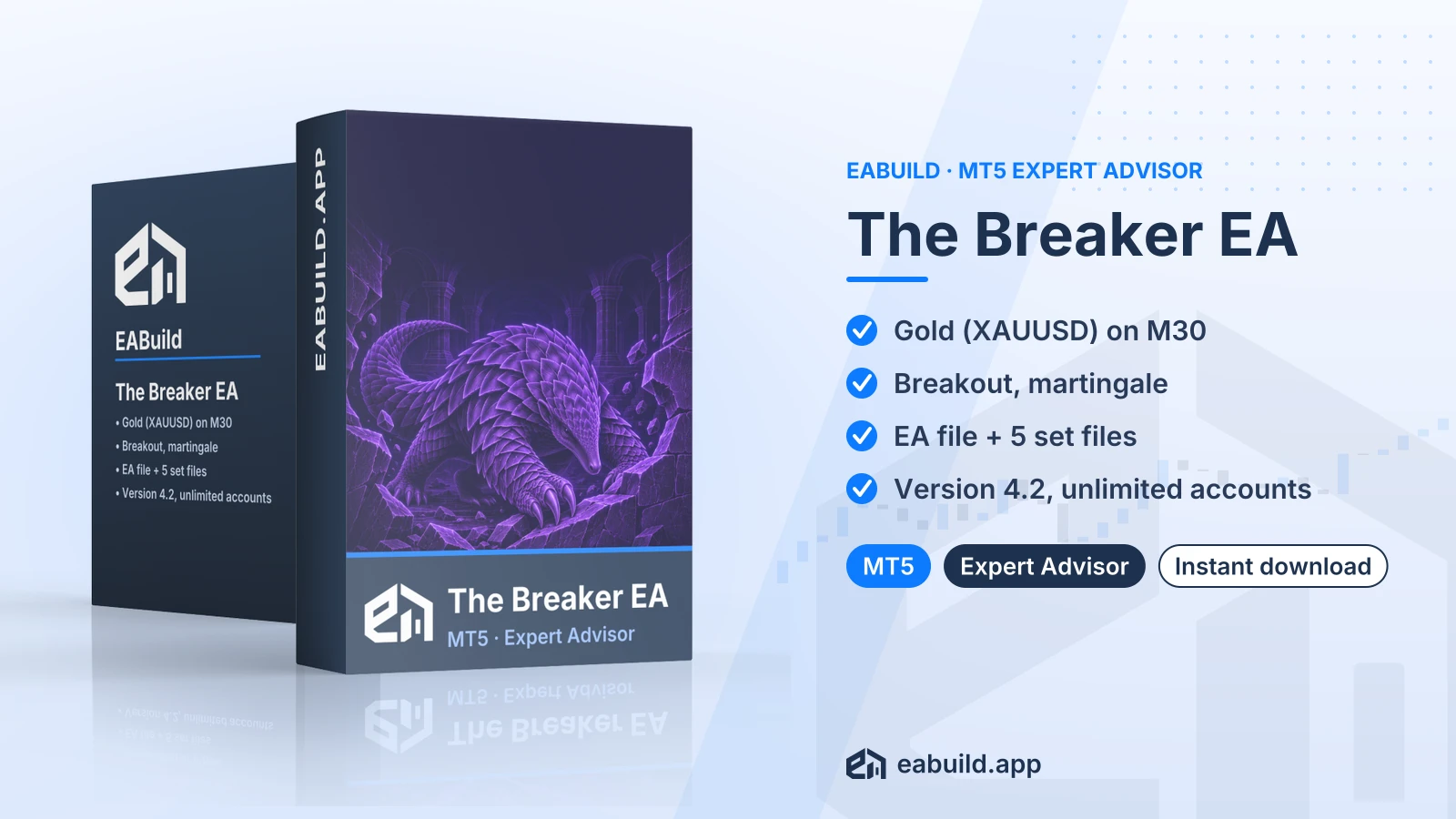 Membership
 Membership
 Membership
 Membership
 Membership
| Product | Platform | Type | Version | Membership | Price |
|---|---|---|---|---|---|
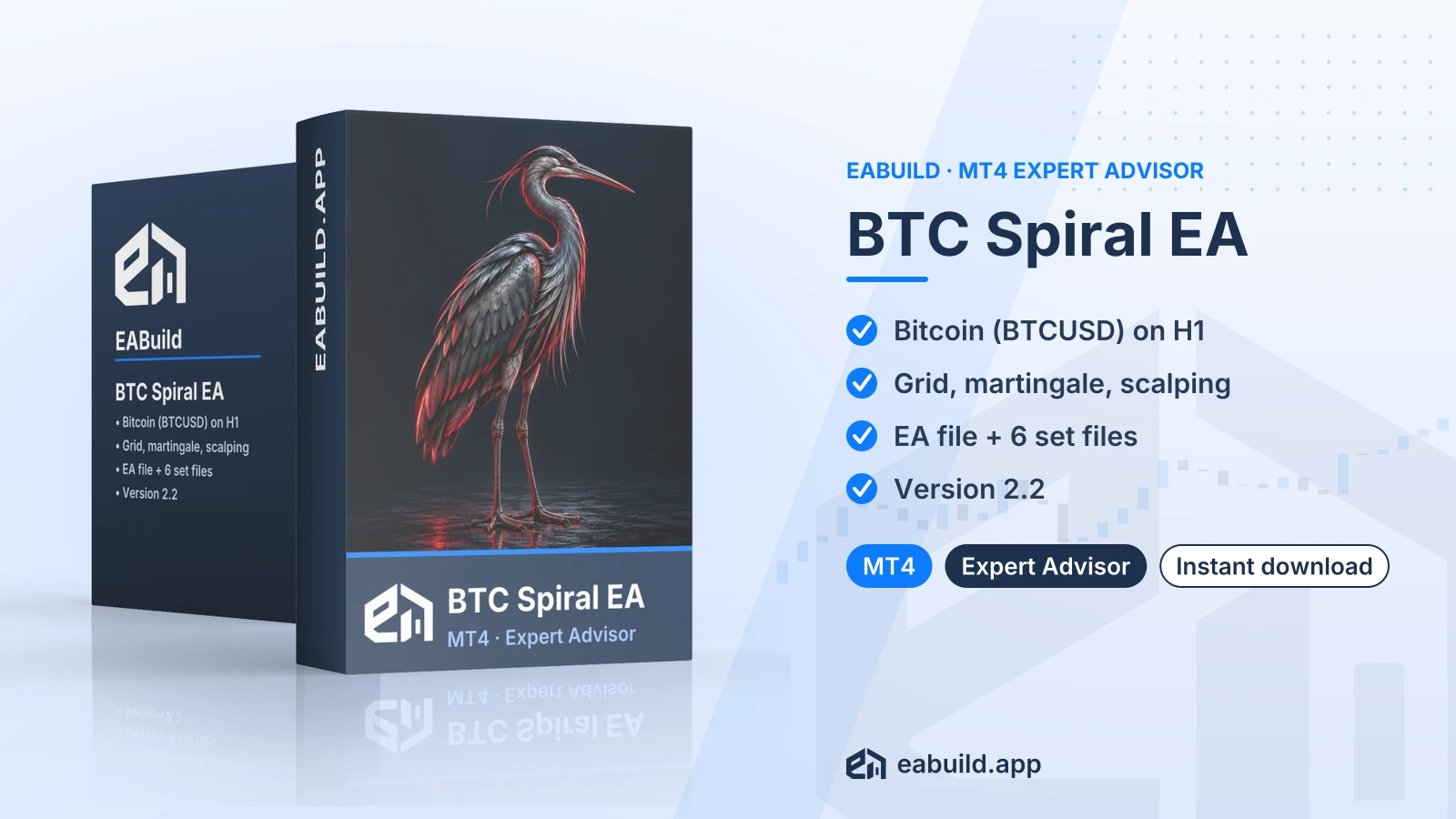
| BTC Spiral EA for MT4 | MetaTrader 4 | Expert Advisor | v2.2 | Membership | $29.00 |
| The Breaker EA for MT5 | MetaTrader 5 | Expert Advisor | v4.2 | Membership | $29.00 |
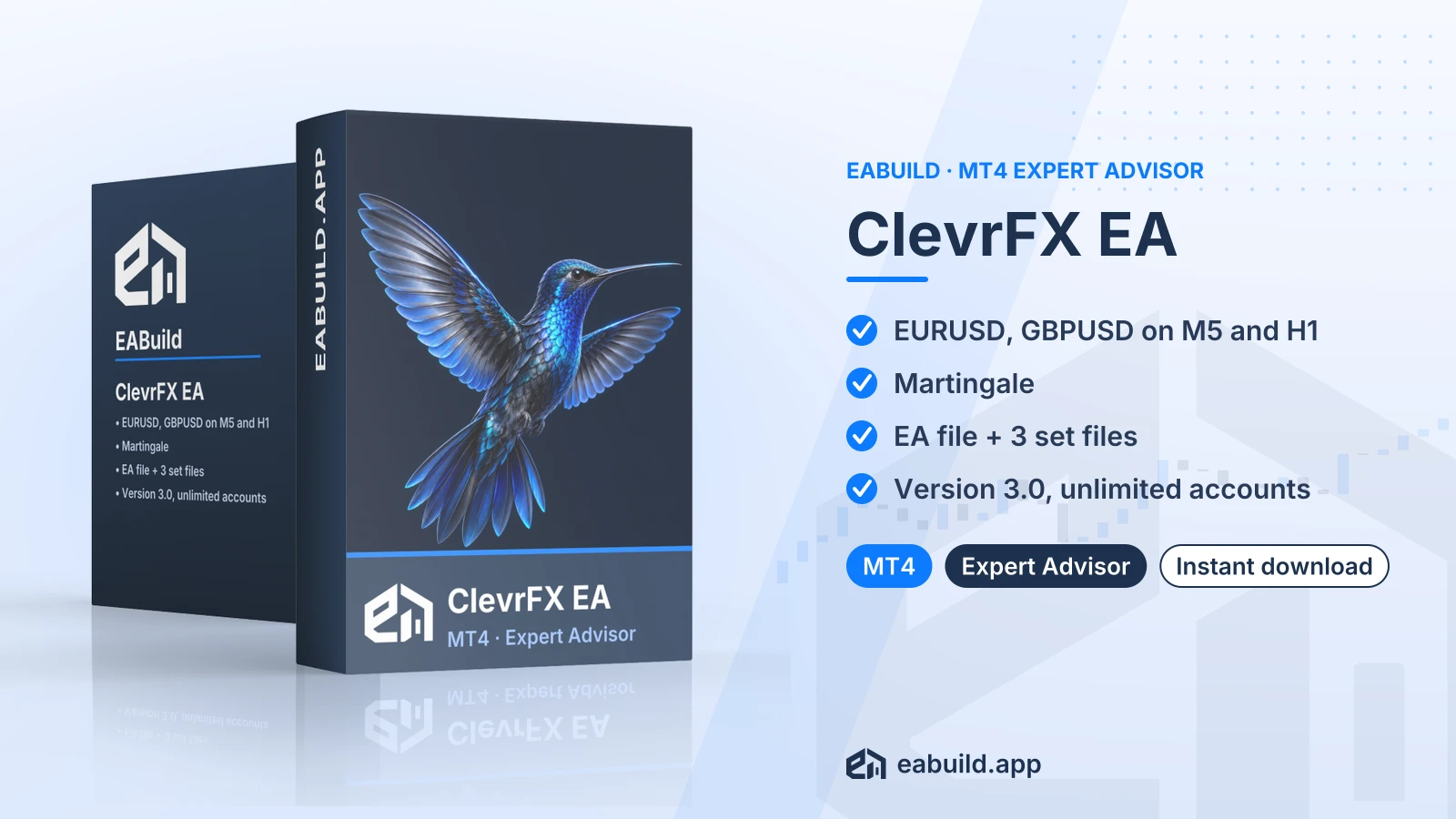
| ClevrFX EA for MT4 | MetaTrader 4 | Expert Advisor | v3.0 | Membership | $29.00 |
| EA Smart Prime for MT4 | MetaTrader 4 | Expert Advisor | latest | Membership | $29.00 |
| Advanced Hedge EA for MT4 | MetaTrader 4 | Expert Advisor | v4.0 | Membership | $29.00 |
| Galaxy Prop Firm EA for MT5 | MetaTrader 5 | Expert Advisor | latest | Membership | $29.00 |
Reviews
No reviews yet.
Tags: Prop Firm EAs
$29.00