 Membership
- MetaTrader 5
- Expert Advisor
- v1.4
- Updated: 10/29/2026
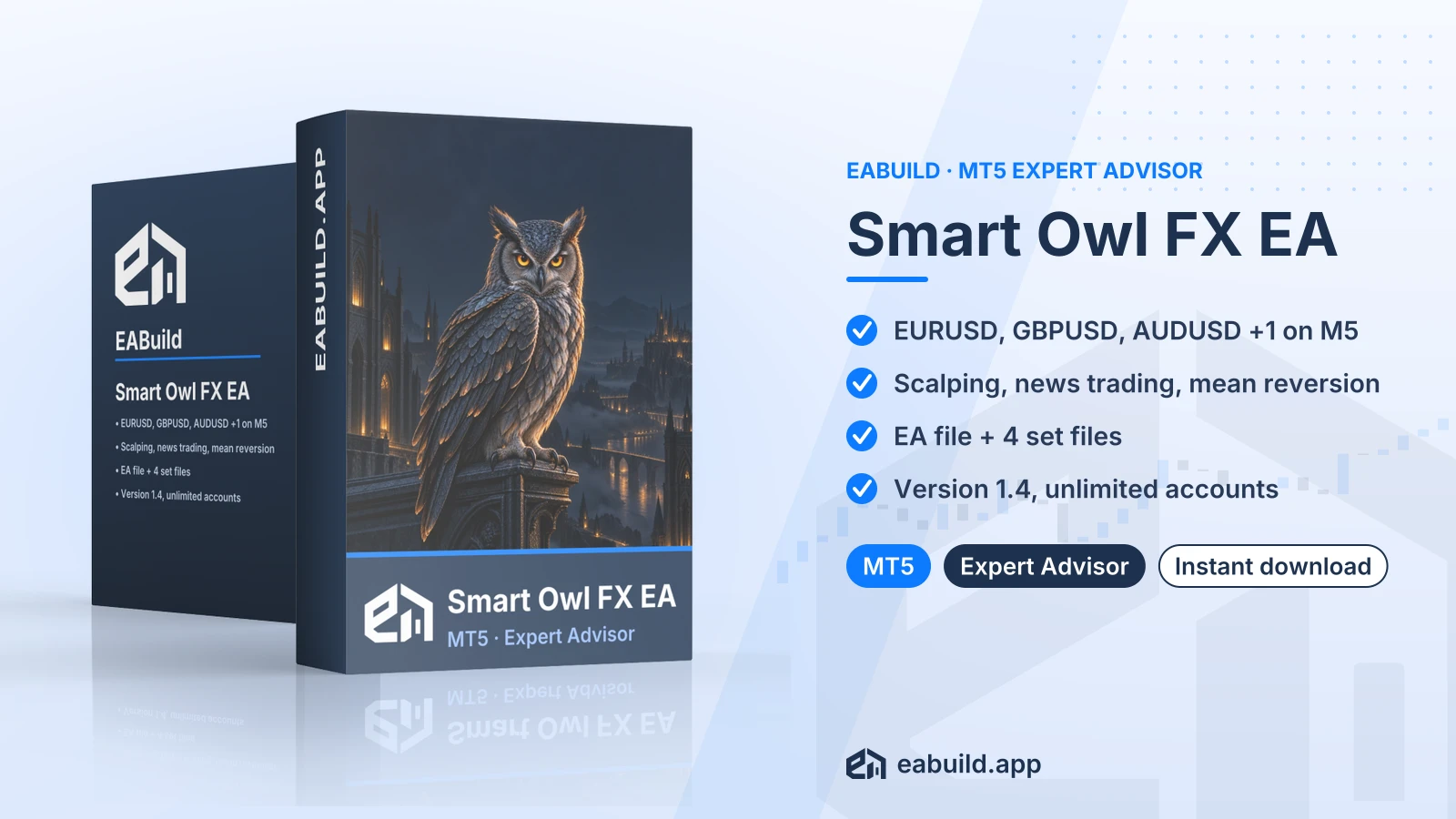
Smart Owl FX EA for MT5
MetaTrader 5 expert advisor for EURUSD, GBPUSD, AUDUSD and EURAUD on M5, using scalping, news trading and mean reversion.
- MetaTrader 5 expert advisor, version 1.4
- Symbols: EURUSD, GBPUSD, AUDUSD, EURAUD
- Timeframe: M5
- Download: one compiled EA file and 4 set files
- No DLL listed as required
Choose how to get it
$29.00
Digital product — download after payment
Download right after payment
Refund policy
Refunds within 7 days of purchase for a broken or mismatched file, a duplicate charge, or a paid order without download access. No refund once a working file is downloaded, and no profit guarantee.
Read the refund policyBuild a similar strategy in Studio
Free to try: edit it in the Builder, backtest, download the EA.
Smart Owl FX is an expert advisor for MetaTrader 5 that combines scalping, news trading and mean reversion on four major forex pairs. The download includes the compiled EA and four set files.
- Platform: MetaTrader 5, version 1.4
- Symbols: EURUSD, GBPUSD, AUDUSD, EURAUD
- Timeframe: M5
- Strategy: scalping, news trading, mean reversion; grid/martingale not mentioned
- Recommended minimum deposit: $100
- In the package: EA file and 4 set files
- Licence: unlimited live and demo accounts
Smart Owl FX EA MT5 is an automated expert advisor for the MetaTrader 5 platform, currently at version 1.4. Once attached to a chart with algo trading enabled, it places and manages trades on its own according to its built-in rules.
The listing describes three strategy types: scalping, news trading and mean reversion. Scalping means many short trades that aim at small price moves. News trading means trading around economic releases. Mean reversion means entries based on the idea that price tends to return toward an average after a stretch away from it.
It is designed for the symbols EURUSD, GBPUSD, AUDUSD and EURAUD on the M5 timeframe. It suits traders who use MT5 and want to run an EA on those forex pairs, and who are ready to test it carefully before trading live.
The download includes one compiled EA file and four set files. There is no source code and no PDF guide in the package. Read the Strategy & Settings tab for how to approach the set files, and the Installation tab for the platform checks.
It is also included in the membership, which gives you access to every product in the catalogue. You can also add it to your cart and download it right after payment.
Trading foreign exchange and CFDs carries a high level of risk and may not be suitable for all investors. Past performance does not guarantee future results; only trade with money you can afford to lose.
Strategy
The listing states scalping, news trading and mean reversion. Scalpers depend on tight spreads and fast execution, so your broker conditions matter. Around news releases spreads can widen and slippage is common, which can change how any news-based entry behaves.
The listing does not say whether the EA uses a grid (extra orders at set price steps) or martingale (a larger lot size after a loss). That point is not mentioned, so read the input settings yourself before running it.
Symbols and timeframe
- Symbols: EURUSD, GBPUSD, AUDUSD, EURAUD
- Timeframe: M5
Deposit
The recommended minimum deposit is $100. This is a figure from the listing, not a suggestion about lot sizes or expected outcomes. Your own risk per trade should follow what you can afford to lose.
Set files
The download has four set files. A set file is a saved list of input settings that you load in MetaTrader from the EA's inputs window. Treat each one as a starting configuration, not a recommendation of results.
Good practice
- Run the EA on a demo account first and watch how it behaves on each symbol.
- Check the settings before you trade live, including lot size and risk inputs.
- Understand how the strategy types above behave when the market moves against a position.
This product is for MetaTrader 5 only. It will not run on MetaTrader 4. No minimum build is listed.
- Copy the compiled EA file from the downloaded ZIP into the Experts folder of your MT5 data folder, then restart the platform or refresh the Navigator.
- Open a chart for one of the allowed symbols (EURUSD, GBPUSD, AUDUSD or EURAUD) and set the timeframe to M5.
- Drag the EA onto the chart, open the inputs window and load one of the four set files.
- Enable algo trading in the platform before you expect any trades.
No DLL is listed for this product, so there is no DLL setting to change. You can get the MetaTrader 5 platform from metatrader5.com.
Does it work on MT4 or MT5?
It is built for MetaTrader 5. The download is a compiled MT5 expert advisor, so it does not run on MetaTrader 4.
What exactly do I download?
You get one compiled EA file and four set files in a ZIP. The package has no source code, so you cannot open the logic in MetaEditor.
How do I install it?
Copy the compiled EA file from the ZIP into the Experts folder of your MT5 data folder, attach it to an M5 chart of one of the four symbols, load a set file and enable algo trading. The Installation tab has the full steps.
How many accounts can I use it on?
The listing states unlimited live and demo accounts. Nothing else about the licence is stated.
Does it carry trading risk?
Yes. Trading is risky and any strategy can lose money, including scalping, news trading and mean reversion. Read the risk notice at the end of the Overview tab and the risk warning page before you trade live. Run it on a demo account first, and check lot size and risk inputs before you trade live.
Does it need a DLL?
No DLL is listed for this product, so there is nothing to enable for that. Check the set file inputs before you start, as each file is only a starting configuration.
What about refunds and support?
See the refund policy for how refunds are handled. No support channel is stated for this product.
- Platform
- MetaTrader 5
- Type
- Expert Advisor
- Category
- Expert Advisor
- Version
- v1.4
- Updated
- 10/29/2026
| Role | File name | Size | Version |
|---|---|---|---|
| Executable file | Smart_Owl_FX_EA_for_MT5.zip | 240.7 KB | v1.4 |
Related products
Membership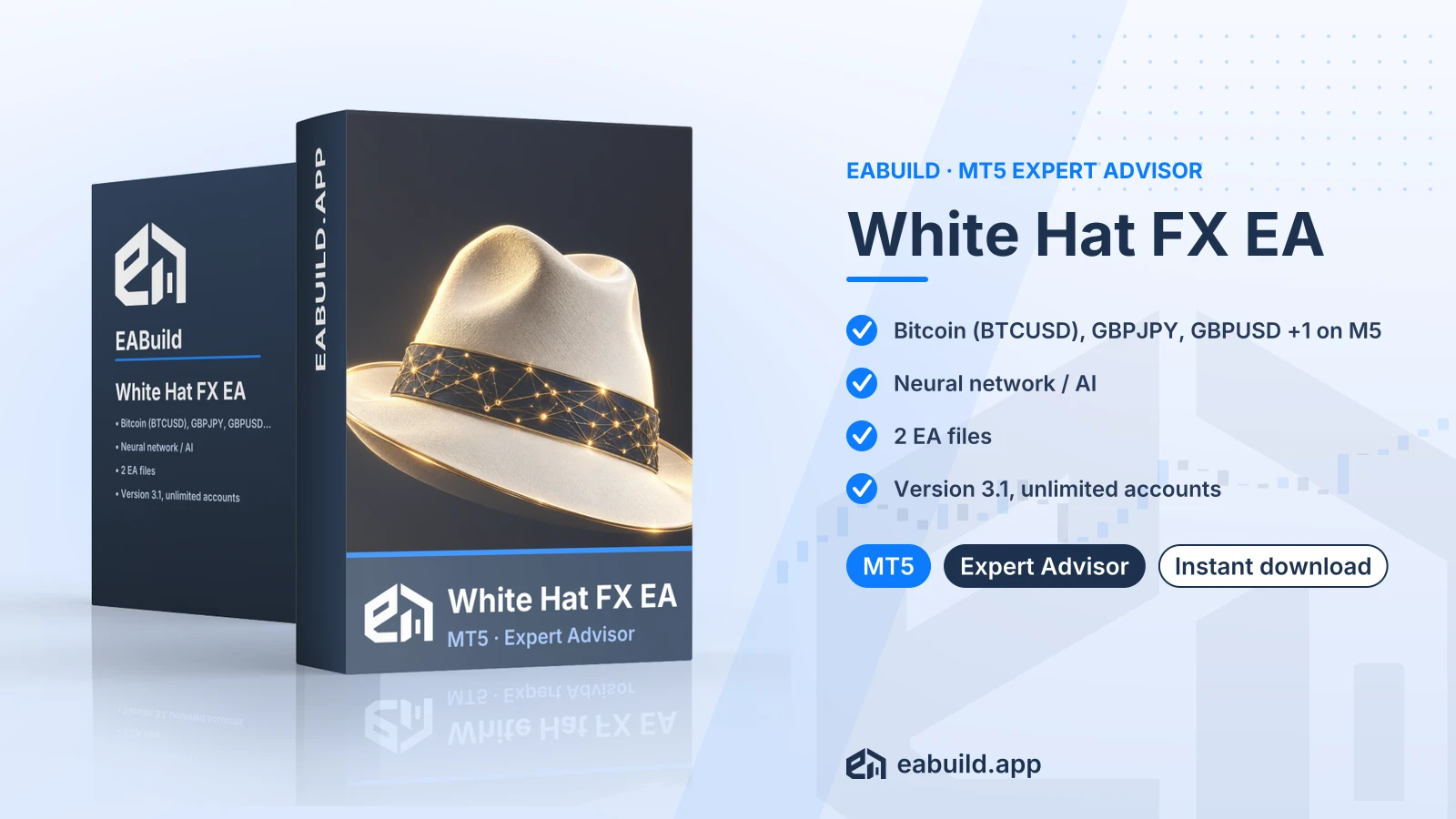 Membership
 Membership
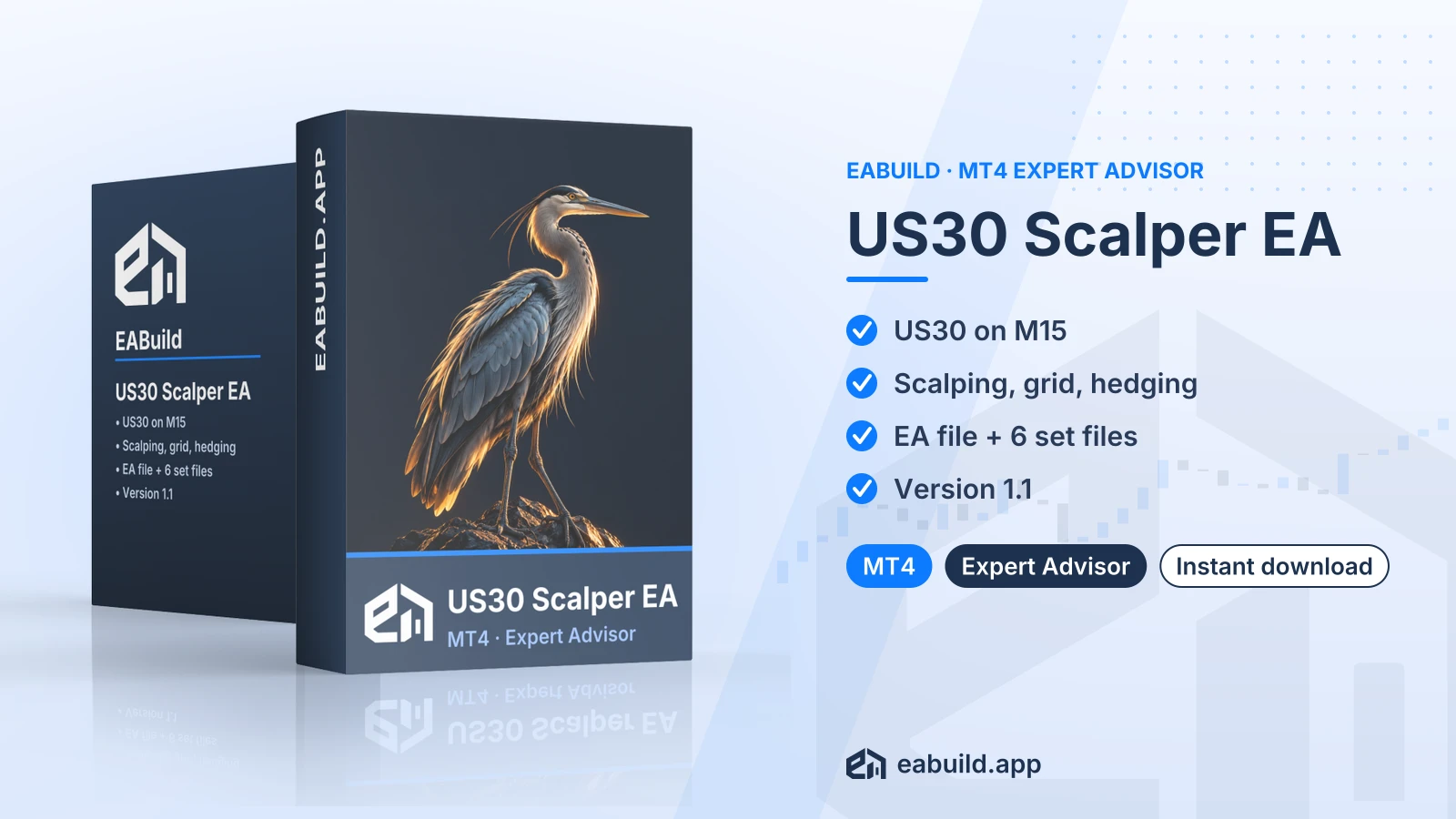 Membership
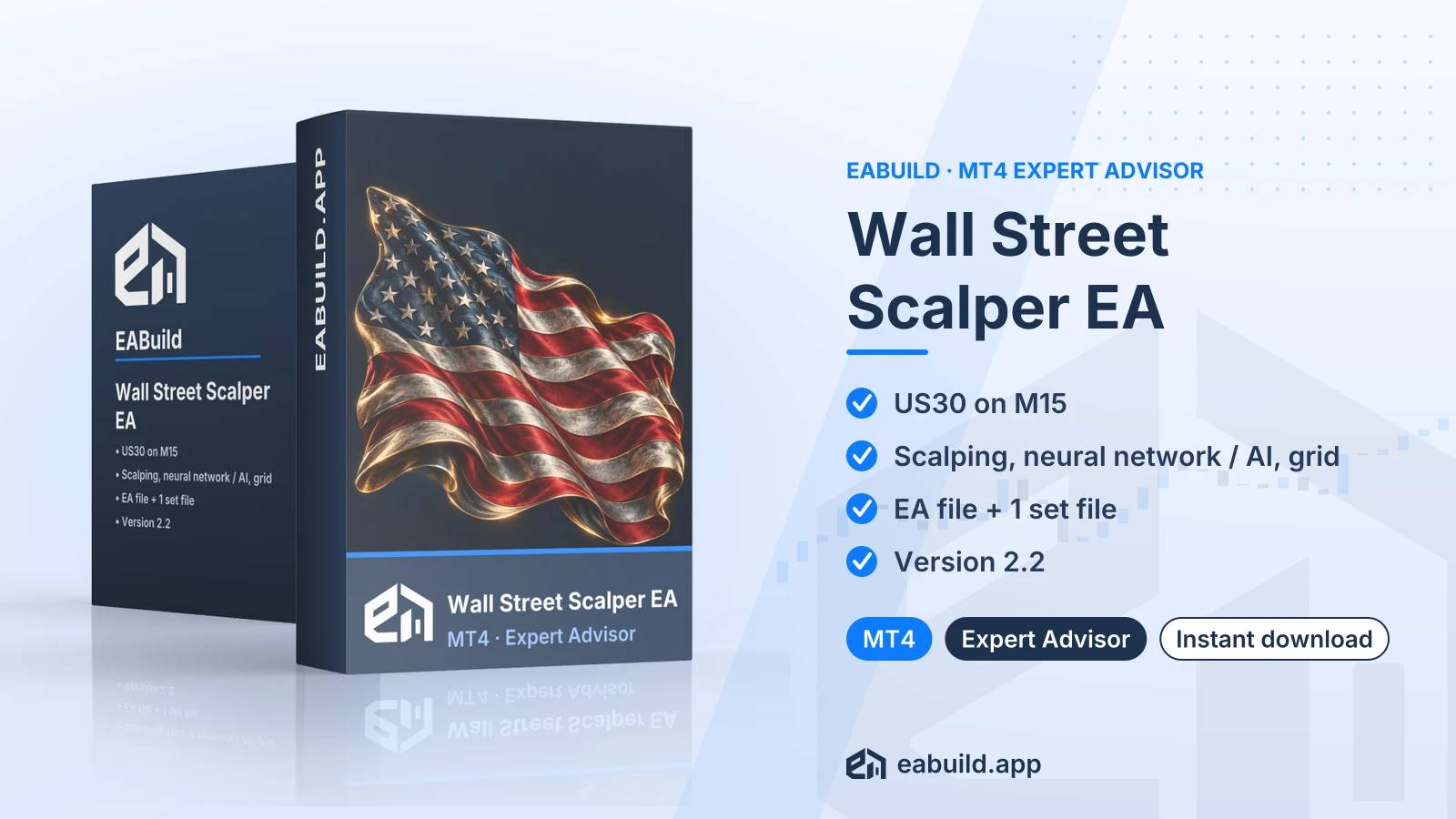 Membership
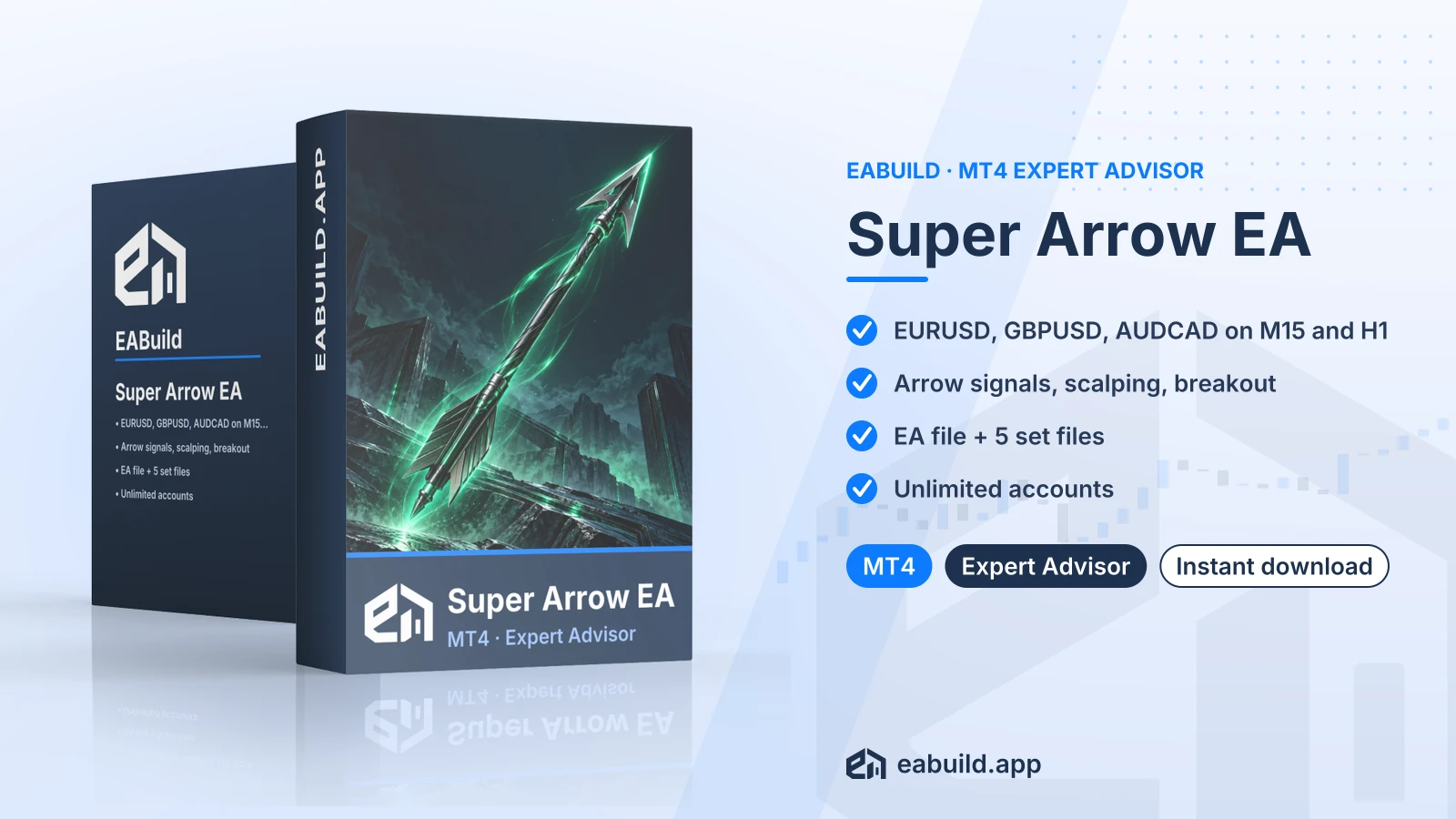 Membership
| Product | Platform | Type | Version | Membership | Price |
|---|---|---|---|---|---|
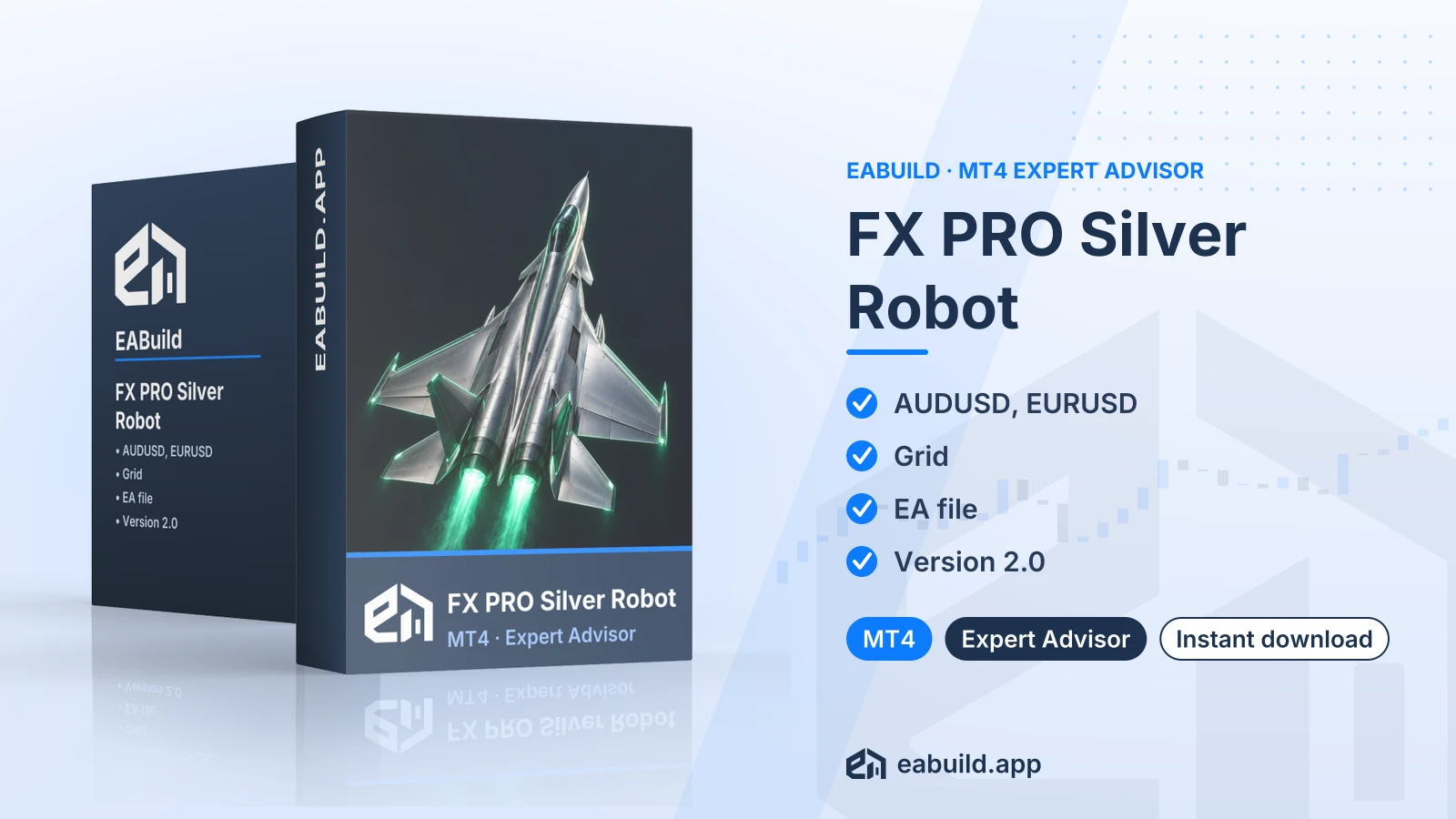
| FX PRO Silver Robot for MT4 | MetaTrader 4 | Expert Advisor | v2.0 | Membership | $29.00 |
| White Hat FX EA for MT5 | MetaTrader 5 | Expert Advisor | v3.1 | Membership | $29.00 |
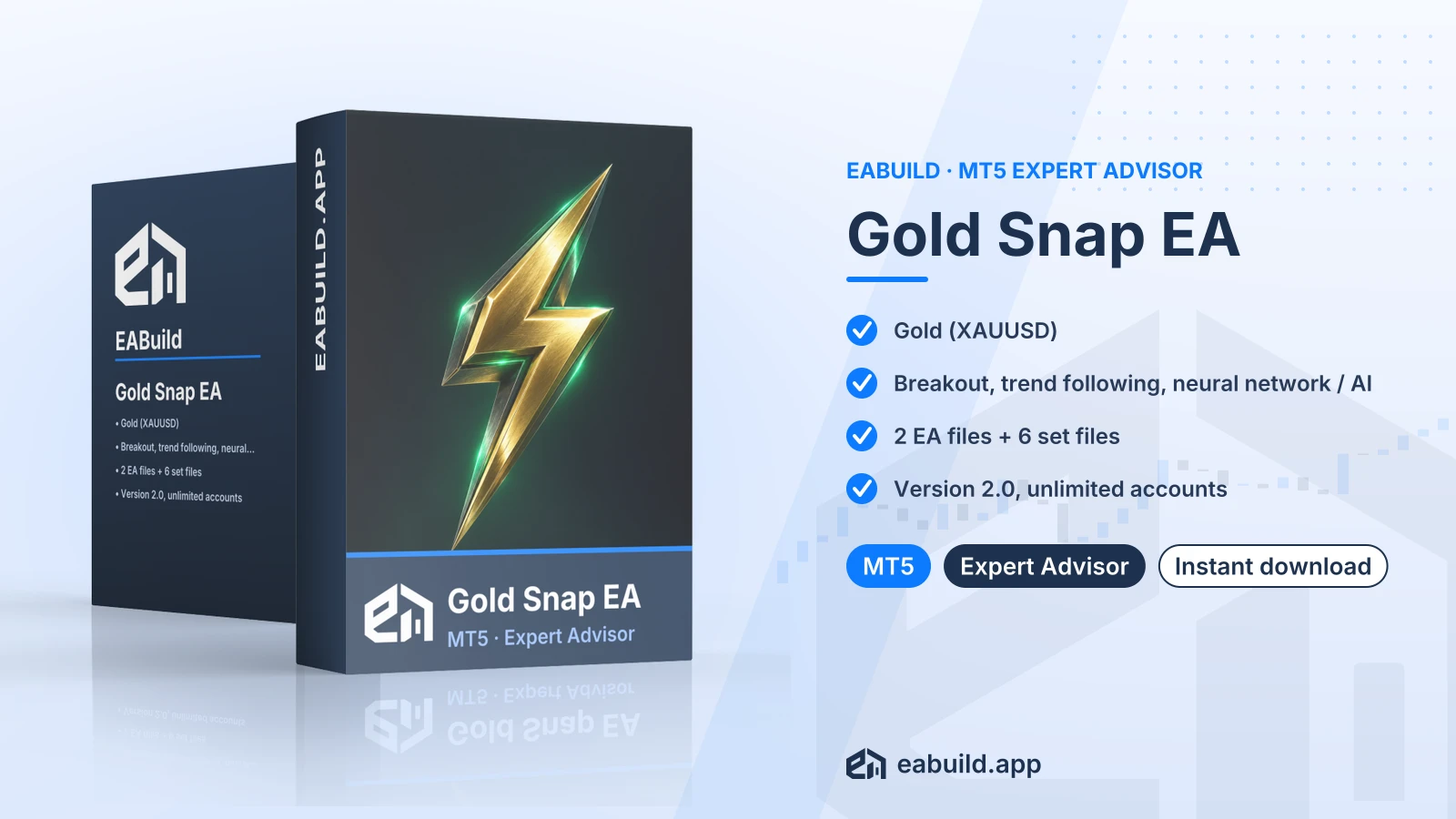
| Gold Snap EA for MT5 | MetaTrader 5 | Expert Advisor | v2.0 | Membership | $29.00 |
| US30 Scalper EA for MT4 | MetaTrader 4 | Expert Advisor | v1.1 | Membership | $29.00 |
| Wall Street Scalper EA for MT4 | MetaTrader 4 | Expert Advisor | v2.2 | Membership | $29.00 |
| Super Arrow EA for MT4 | MetaTrader 4 | Expert Advisor | latest | Membership | $29.00 |
Reviews
No reviews yet.
Tags: Forex scalping EAs for MT5
$29.00