 Membership
- MetaTrader 4
- Expert Advisor
- v4.95
- Updated: 11/01/2026
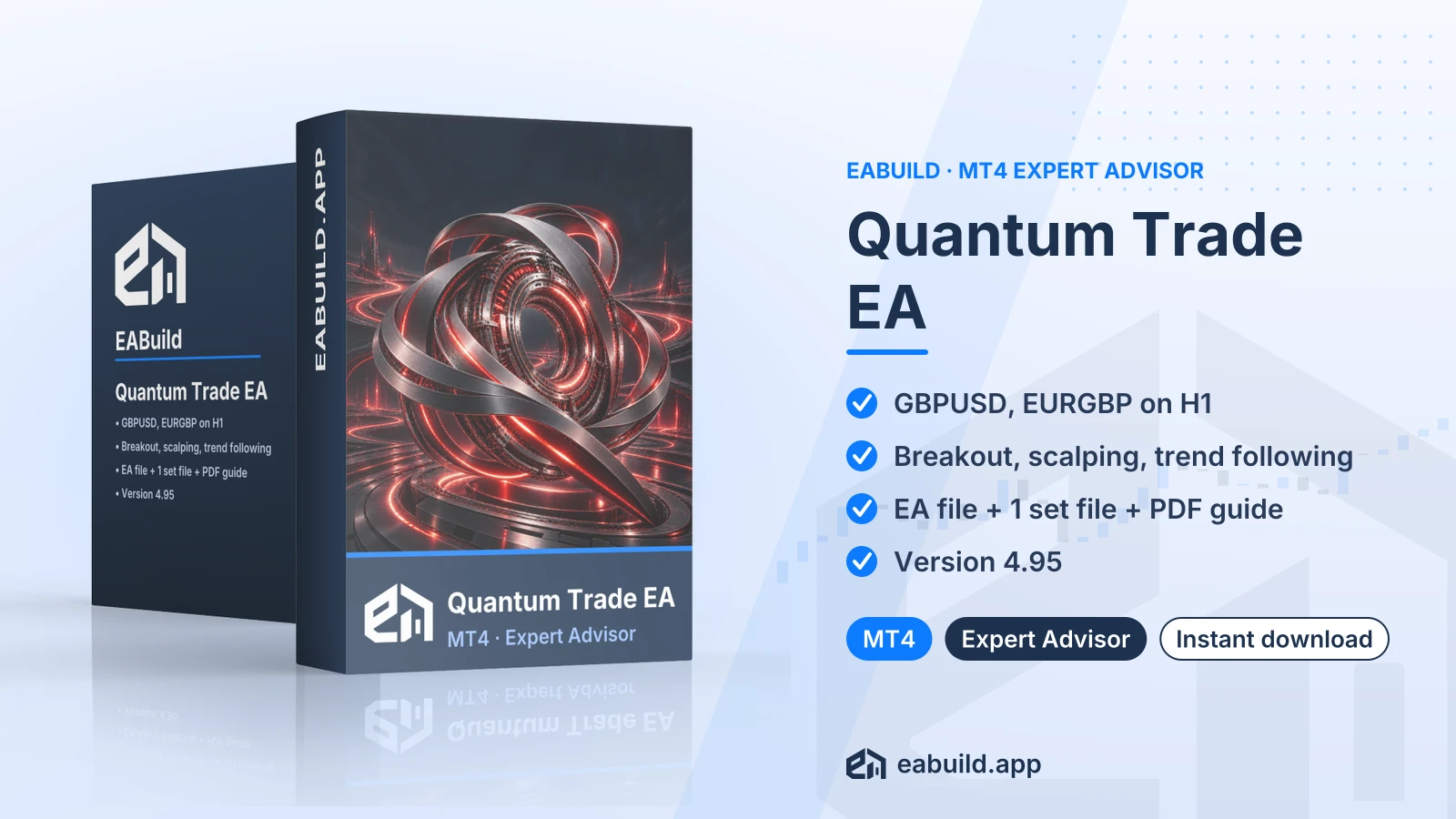
Quantum Trade EA for MT4
MetaTrader 4 expert advisor combining breakout, scalping and trend following logic on GBPUSD and EURGBP, H1 chart.
- MetaTrader 4, build 1471 or newer
- Listed symbols: GBPUSD and EURGBP on H1
- Breakout, scalping and trend following
- Download: 1 compiled EA, 1 set file, 1 PDF guide
- No DLL required
Choose how to get it
$29.00
Digital product — download after payment
Download right after payment
Refund policy
Refunds within 7 days of purchase for a broken or mismatched file, a duplicate charge, or a paid order without download access. No refund once a working file is downloaded, and no profit guarantee.
Read the refund policyBuild a similar strategy in Studio
Free to try: edit it in the Builder, backtest, download the EA.
Builds an MT5 version
Quantum Trade EA for MT4 is an expert advisor for MetaTrader 4 that is listed with breakout, scalping and trend following logic for two GBP pairs on the H1 chart.
- Platform: MetaTrader 4 (build 1471+), version 4.95
- Symbols: GBPUSD, EURGBP; timeframe: H1
- Strategy: breakout, scalping, trend following; grid/martingale: not mentioned
- Recommended minimum deposit: $500
- In the package: EA file, 1 set file and PDF guide
The quantum trade EA MT4 download is an automated expert advisor for MetaTrader 4. Once it is attached to a chart with algo trading enabled, it places and manages trades by itself according to its own rules, so you do not click each order.
The listing describes the strategy as a mix of breakout, scalping and trend following, and names GBPUSD and EURGBP on the H1 timeframe. In practice that means entries tied to price leaving a range, short-term trades aimed at small moves, and a bias towards the prevailing direction. How these parts interact inside the code is not described in the facts, so this page does not guess.
It suits traders who use MetaTrader 4 (build 1471 or newer) and want to run an EA on GBP pairs on a one-hour chart. The recommended minimum deposit is $500. It is not designed for MetaTrader 5.
The download contains one compiled EA file, one set file and one PDF guide, with no source code. The EA is version 4.95 and needs no DLL. If you compare it with a similar approach, Range Breakout for MT4 is another breakout EA on the same platform.
Read the Strategy & Settings tab before you load anything, and use the PDF guide alongside it. This EA is also included in the membership, which covers every product in the catalogue.
Trading foreign exchange and CFDs carries a high level of risk and may not be suitable for all investors. Past performance does not guarantee future results; only trade with money you can afford to lose.
Strategy type
The listing states three approaches: breakout, scalping and trend following. A breakout entry waits for price to leave a recent range, and false breakouts do happen, where price pushes out and then returns. Scalping means many short trades, so on GBPUSD and EURGBP the spread your broker charges and the speed of order execution will matter to the outcome. Trend following adds a directional element, and such methods tend to struggle when the market moves sideways.
The facts do not say whether the EA uses grid or martingale methods, so this page makes no statement about either. Read the PDF guide and the input list to see how position size and the number of open orders are handled before you trade live.
Symbols, timeframe and deposit
- Symbols: GBPUSD and EURGBP
- Timeframe: H1
- Recommended minimum deposit: $500
- Version: 4.95, for MetaTrader 4 build 1471 or newer
The facts do not say whether the EA suits prop-firm accounts, so check your firm's rules on automated trading yourself if that is your plan.
The set file
A set file is a saved list of input values that you load from the EA's inputs window. This download has a single one, which works as a starting configuration. It is not a recommendation of results. Before using it, open each input, compare it with the PDF guide, and change only what you understand.
Testing first
Run the EA on a demo account on H1 charts of both pairs for a while before using real money. Watch how often it trades, how the spread affects it, and how large the temporary losses become. Then decide whether the $500 starting level and your own risk limits make sense for you.
Platform and build
This EA is for MetaTrader 4 only, build 1471 or newer. If your terminal is older, update it before installing; the platform can be downloaded from metatrader4.com or from your broker.
Files
- Unzip the download. It holds one compiled EA file, one set file and one PDF guide.
- Copy the compiled EA into the Experts folder of your MetaTrader 4 data folder, then restart the terminal or refresh the Navigator.
- Open a GBPUSD or EURGBP chart and set it to H1, the timeframe given in the listing.
- Drag the EA onto the chart, switch to the inputs tab and load the set file with the Load button.
- Enable algo trading in the toolbar and confirm the EA shows as active on the chart.
The facts list GBPUSD and EURGBP only, so keep to those symbols. No DLL is needed, so you have no extra import setting to change. Do the first run on a demo account.
Does Quantum Trade work on MetaTrader 5?
No. This is the MetaTrader 4 version, version 4.95, built for build 1471 or newer. Do not load it into MetaTrader 5.
What do I receive with the Quantum Trade MT4 download?
You receive one compiled EA file, one set file and one PDF guide. There is no source code, so you cannot edit the logic in MetaEditor.
Which symbols and chart should I attach it to?
The listing names GBPUSD and EURGBP on the H1 timeframe. Other symbols or timeframes are not covered by the facts, so this page cannot say how it would behave there.
How should I test a breakout and scalping EA before funding $500 or more?
Trading is risky, and a mix of breakout and scalping logic can produce false entries and string together losing trades, especially when spreads widen. Run it on a demo account first with the single set file, record the results, and read the risk notice in the Overview before going live.
Do I need to allow DLL imports before attaching Quantum Trade to a GBPUSD H1 chart?
No, the facts state that no DLL is required, so you do not need to allow DLL imports in the terminal options.
Where can I read the refund conditions for the Quantum Trade MT4 download?
See the refund policy for the conditions. The EA is also included in the membership.
- Platform
- MetaTrader 4
- Type
- Expert Advisor
- Category
- Expert Advisor
- Version
- v4.95
- Updated
- 11/01/2026
| Role | File name | Size | Version |
|---|---|---|---|
| Executable file | Quantum_Trade_EA_for_MT4.zip | 2.7 MB | v4.95 |
Related products
Membership Membership
 Membership
 Membership
 Membership
 Membership
| Product | Platform | Type | Version | Membership | Price |
|---|---|---|---|---|---|
| GBPUSD Robot for MT4 | MetaTrader 4 | Expert Advisor | v7.2 | Membership | $29.00 |
| LENA Scalp EA for MT4 | MetaTrader 4 | Expert Advisor | v3.2 | Membership | $29.00 |
| FX Scalper 4X EA for MT4 | MetaTrader 4 | Expert Advisor | latest | Membership | $29.00 |
| PipFinite EA Trend PRO for MT4 | MetaTrader 4 | Expert Advisor | v2.8 | Membership | $29.00 |
| Diamond PRO EA for MT5 | MetaTrader 5 | Expert Advisor | v8.0 | Membership | $29.00 |
| XAUUSD M5 Super Scalper Robot for MT4 | MetaTrader 4 | Expert Advisor | latest | Membership | $29.00 |
Reviews
No reviews yet.
Tags: Trend and Breakout EAs
$29.00