 Membership
- MetaTrader 4
- Expert Advisor
- v2.0
- Updated: 11/01/2026
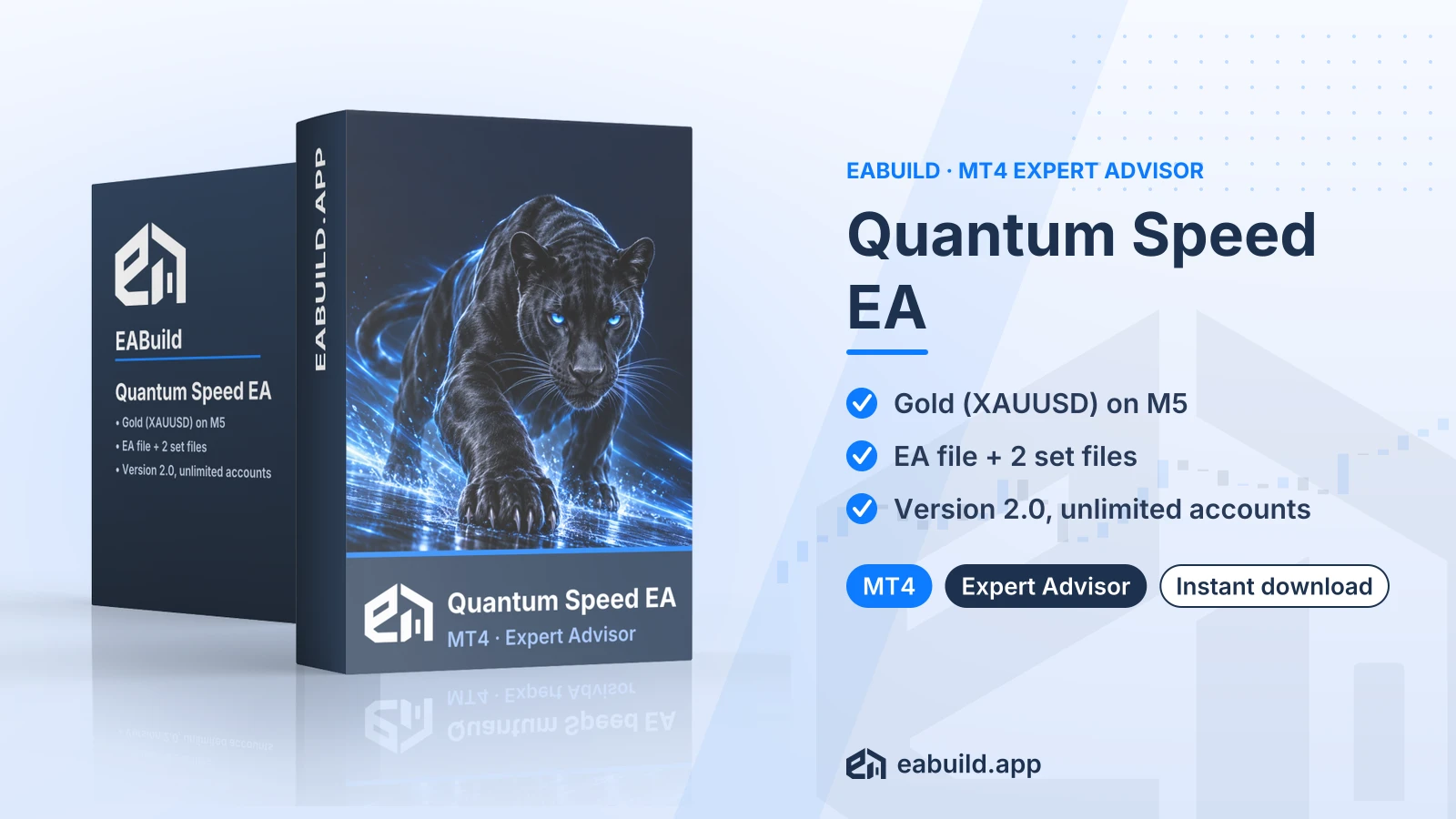
Quantum Speed EA for MT4
Expert advisor for MetaTrader 4, built for XAUUSD on the M5 timeframe, with one compiled file and two set files.
- MetaTrader 4 expert advisor, version 2.0
- Symbol XAUUSD, timeframe M5
- One compiled EA file and 2 set files
- No DLL file in the download
- Unlimited live and demo accounts
Choose how to get it
$29.00
Digital product — download after payment
Download right after payment
Refund policy
Refunds within 7 days of purchase for a broken or mismatched file, a duplicate charge, or a paid order without download access. No refund once a working file is downloaded, and no profit guarantee.
Read the refund policyBuild a similar strategy in Studio
Free to try: edit it in the Builder, backtest, download the EA.
Builds an MT5 version
Quantum Speed is an expert advisor (an automated trading program) for MetaTrader 4, designed for gold on the M5 chart. This page lists what the download contains and how to set it up.
- Platform: MetaTrader 4, version 2.0
- Symbol: XAUUSD, timeframe: M5
- In the package: one EA file and 2 set files
- Minimum deposit: $200
- Licence: unlimited live and demo accounts
For gold traders on MetaTrader 4, the quantum speed ea mt4 download gives you a ready-to-attach expert advisor for the XAUUSD symbol on the M5 timeframe. An expert advisor opens and manages trades on its own once it is attached to a chart and algo trading is switched on.
The listing for this version 2.0 release does not describe the trading method in detail, so this page does not name one. What it does state is the symbol, the timeframe and a minimum deposit of $200, all covered in the Strategy & Settings tab.
It suits traders who already use MT4 and want to run an EA on a single instrument and chart period, rather than a multi-pair system; the gold EA guide covers the topic in more depth. Other single-instrument options for MT4 are the Galileo FX EA for MT4 and the Gold Safe EA for MT4; the Quantum Gold Emperor EA for MT5 is MT5 only. If you work on MetaTrader 5, check the platform line before you buy, because this file is built for MT4 only.
The download contains one compiled EA file and two set files. There is no source code, no PDF guide and no DLL. The product is a digital download, and it is also included in the membership, which covers every product in the catalogue.
Trading foreign exchange and CFDs carries a high level of risk and may not be suitable for all investors. Past performance does not guarantee future results; only trade with money you can afford to lose.
What the listing states
- Symbol: XAUUSD (gold against the US dollar)
- Timeframe: M5, meaning each candle covers five minutes
- Minimum deposit: $200
- Version: 2.0 for MetaTrader 4
- Set files: 2
The strategy type is not mentioned in the listing, and neither is any grid or martingale behaviour. Prop-firm suitability is not stated either, so this page makes no claim about it. If you plan to use the EA on a prop-firm account, read that firm's rules on automated trading yourself.
The two set files
A set file is a saved list of input values that you load from the EA's settings window. The download includes two of them, and each is a starting configuration, not a recommendation of results. The listing does not say how the two differ, so open each one in the inputs window and compare the values before you pick one.
Practical checks
Gold quotes move quickly and brokers differ in spread, symbol naming and execution. Some brokers add a suffix, so your gold symbol may read XAUUSD.m or similar, which you should confirm in the Market Watch window. Because the EA is tied to M5, keep the chart on that period.
Run it on a demo account first. Watch how it behaves on your own broker's gold feed, then decide whether a live account funded with at least the $200 minimum deposit suits your plans. That figure is not a guide to position size, so size positions to money you can afford to lose.
Platform and files
This EA is for MetaTrader 4. The listing gives no minimum build number, so use a current MT4 terminal from your broker or from the MetaTrader 4 download page.
- Extract the downloaded zip. It holds one compiled EA file and two set files.
- In MT4 choose File, then Open Data Folder, and copy the EA file into MQL4/Experts.
- Restart the terminal, or right-click Navigator and choose Refresh, so the EA appears.
- Open an XAUUSD chart and set it to M5.
- Drag the EA onto the chart, switch on Allow live trading in the Common tab, and use the Load button in the Inputs tab to pick one of the two set files.
- Make sure the Algo Trading button in the toolbar is active.
Before you go live
Allowed symbol per the listing: XAUUSD. Attach the EA to that symbol only, using your broker's exact name for gold. Load each set file on a demo account first and check that the inputs read as expected.
Keep the two set files somewhere easy to find, since the Load dialog opens a normal file browser and the files do not need to sit inside the MQL4 folder.
Can I run the Quantum Speed files on MetaTrader 5?
No. This download is built for MetaTrader 4, version 2.0. It is a compiled MT4 file, so it will not load in MT5.
Which set file should I load first on XAUUSD M5?
The listing says only that there are two set files and does not describe the difference. Load them one at a time on a demo account, compare the inputs, and decide from what you see.
Do I need to enable a DLL for this EA?
No. The Files information states that the package has no DLL, so there is no DLL import to switch on.
How many accounts can I use it on?
The listing states unlimited live and demo accounts. It adds no other licence terms, so read the terms of use for the rest.
How should I test a gold EA with a $200 minimum deposit?
Start on a demo account, keep the chart on XAUUSD M5, and watch spreads and fills during busy sessions. Gold can move sharply, and trading is risky whatever the deposit, so read the risk notice in the Overview and the risk warning before you consider a live account.
What if I need help or want a refund?
See the refund policy for the conditions that apply to digital downloads.
- Platform
- MetaTrader 4
- Type
- Expert Advisor
- Category
- Expert Advisor
- Version
- v2.0
- Updated
- 11/01/2026
| Role | File name | Size | Version |
|---|---|---|---|
| Executable file | Quantum_Speed_EA_for_MT4.zip | 56.8 KB | v2.0 |
Related products
Membership Membership
 Membership
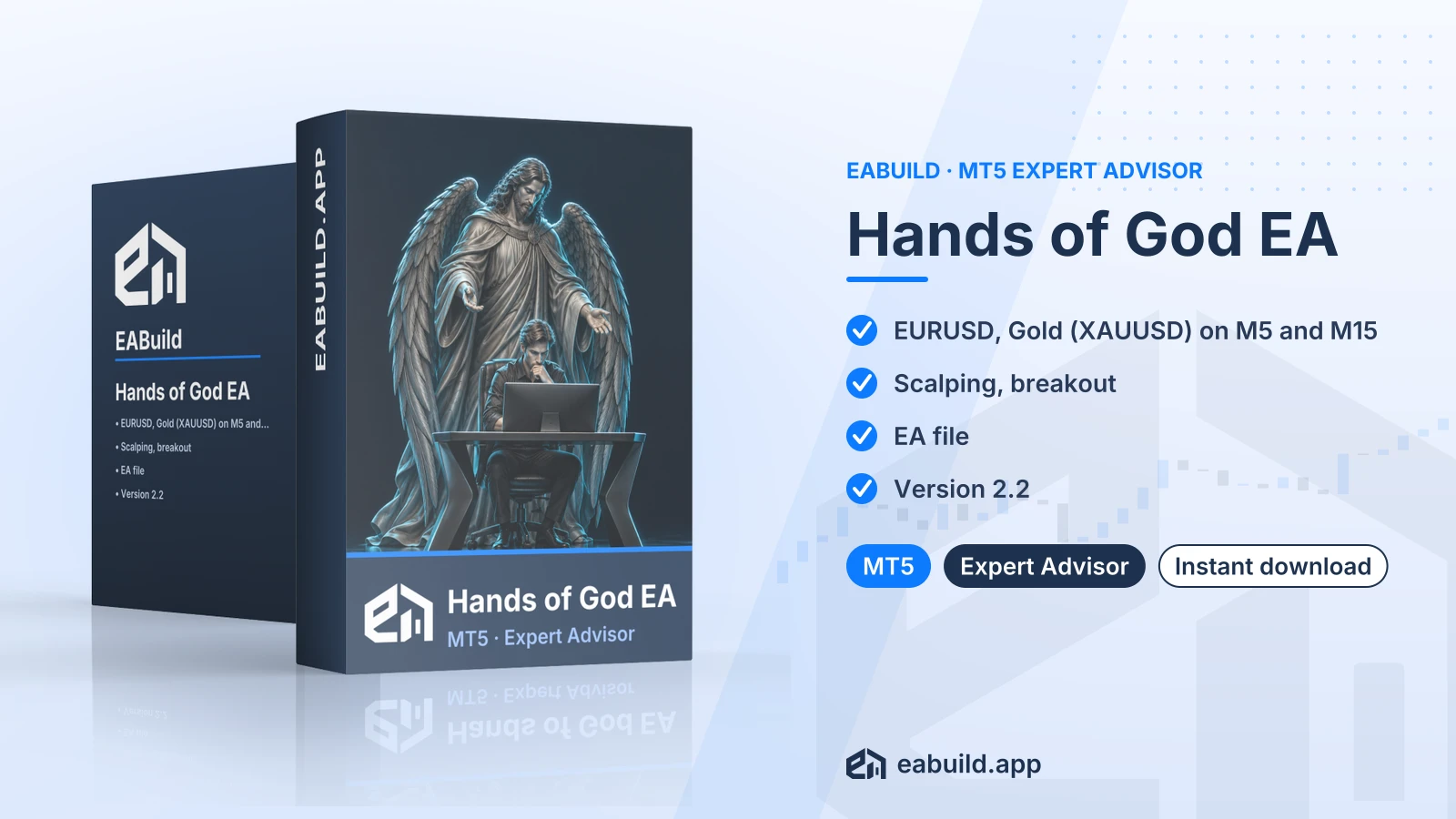 Membership
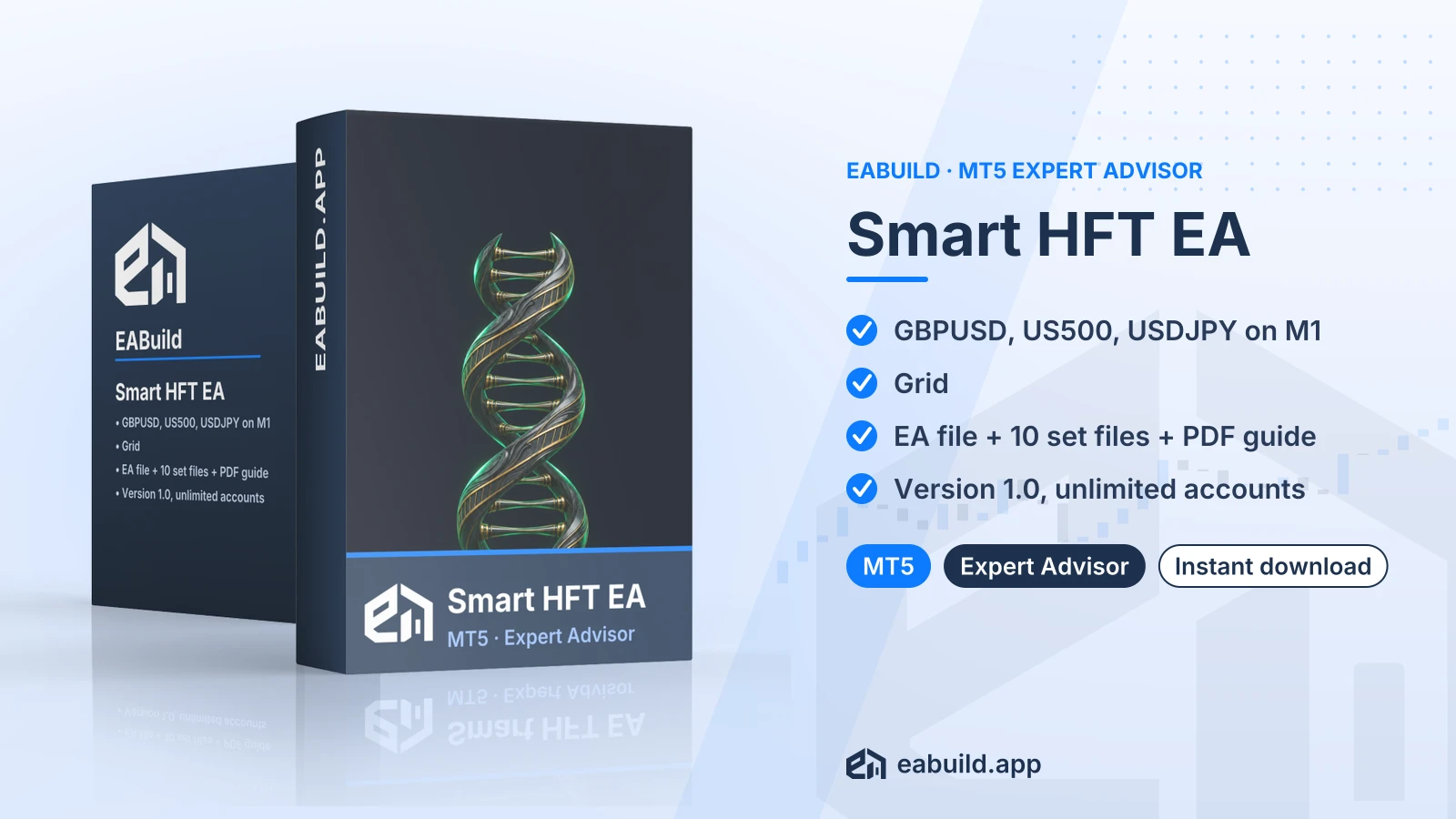 Membership
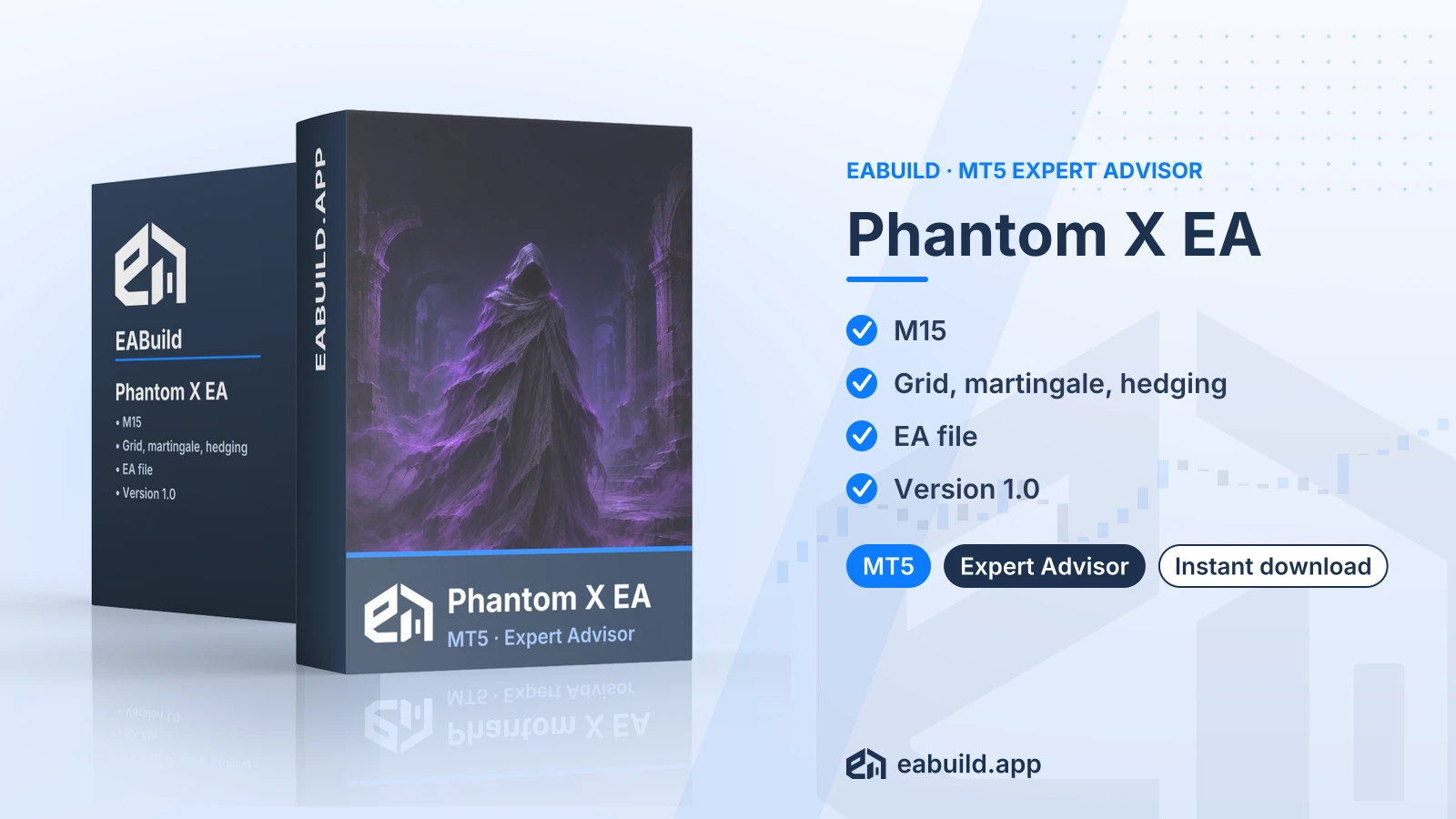 Membership
| Product | Platform | Type | Version | Membership | Price |
|---|---|---|---|---|---|
| Immortal Dynasty EA for MT4 | MetaTrader 4 | Expert Advisor | latest | Membership | $29.00 |
| Ghost AI EA for MT5 | MetaTrader 5 | Expert Advisor | latest | Membership | $29.00 |
| Dominant EA for MT5 | MetaTrader 5 | Expert Advisor | v3.0 | Membership | $29.00 |
| Hands of God EA for MT5 | MetaTrader 5 | Expert Advisor | v2.2 | Membership | $29.00 |
| Smart HFT EA for MT5 | MetaTrader 5 | Expert Advisor | v1.0 | Membership | $29.00 |
| Phantom X EA for MT5 | MetaTrader 5 | Expert Advisor | v1.0 | Membership | $29.00 |
Reviews
No reviews yet.
Tags: Gold EAs
$29.00