 Membership
- MetaTrader 4
- Expert Advisor
- v1.5
- Updated: 11/02/2026
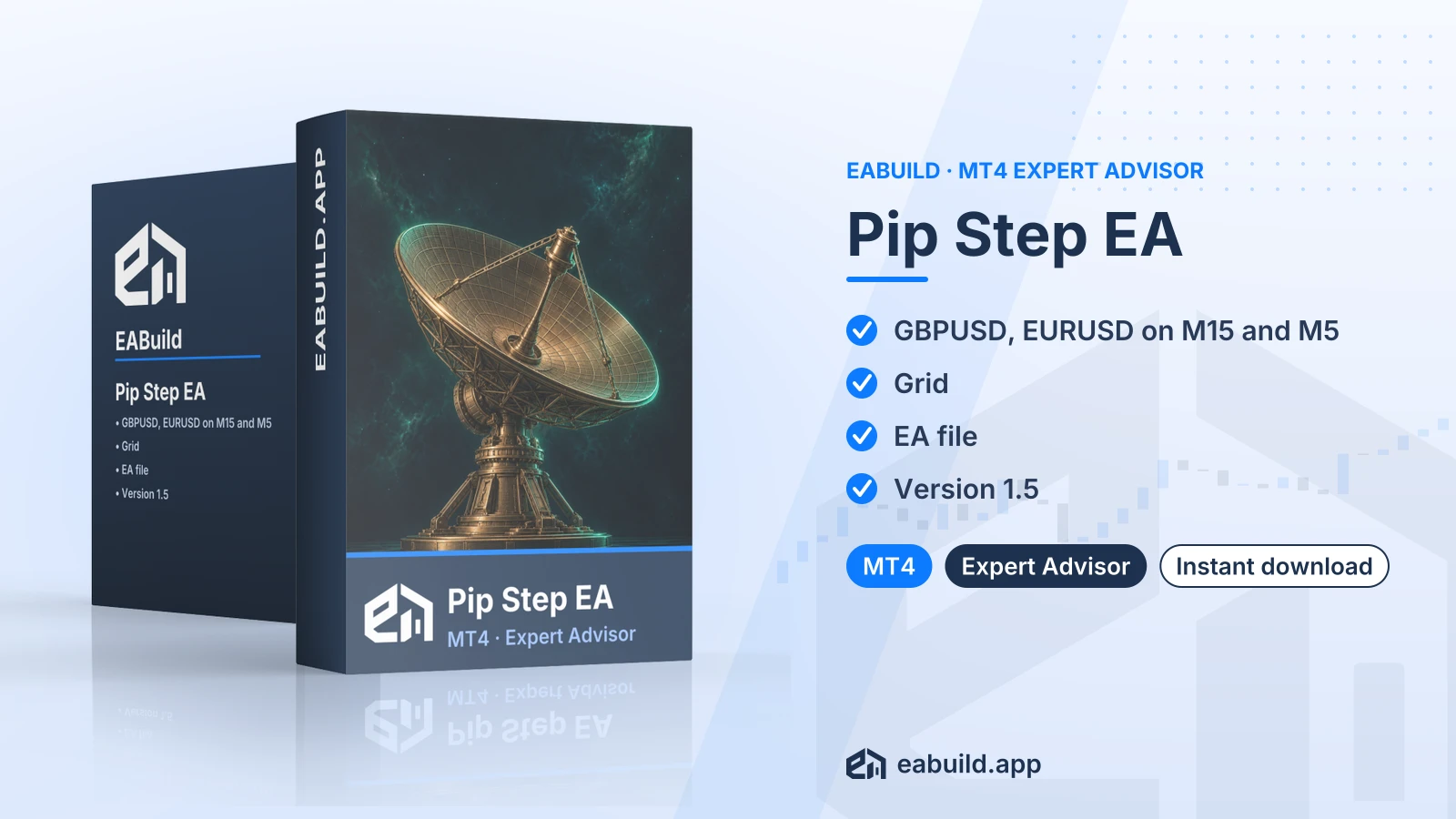
Pip Step EA for MT4
Grid expert advisor for MetaTrader 4, listed for GBPUSD and EURUSD on M15 and M5, with a $500 recommended minimum deposit.
- MetaTrader 4, build 1471 or higher
- Grid strategy; the listing marks grid/martingale as yes
- GBPUSD and EURUSD on M15 and M5
- One compiled EA file, no DLL
- Recommended minimum deposit $500
Choose how to get it
$29.00
Digital product — download after payment
Download right after payment
Refund policy
Refunds within 7 days of purchase for a broken or mismatched file, a duplicate charge, or a paid order without download access. No refund once a working file is downloaded, and no profit guarantee.
Read the refund policyBuild a similar strategy in Studio
Free to try: edit it in the Builder, backtest, download the EA.
Builds an MT5 version
Pip Step EA for MT4 is a grid expert advisor built for MetaTrader 4. The download is a single compiled EA file, version 1.5.
- Platform: MetaTrader 4 (build 1471+) · Version 1.5
- Symbols: GBPUSD, EURUSD · Timeframes: M15, M5
- Strategy: grid · Grid/martingale: yes
- Recommended minimum deposit: $500
- In the package: one compiled EA file, no DLL
- Prop firm: built with prop-firm challenge rules in mind
Pip Step EA MT4 is a grid expert advisor, version 1.5, written for MetaTrader 4. It trades automatically once you attach it to a chart and allow algo trading.
The strategy type is grid. A grid strategy opens extra orders at set price steps, so the number of open positions can grow while price moves against the first order. The listing also marks grid/martingale as yes. Martingale means raising the lot size after a losing trade, which makes this the kind of EA you should study closely before using real money.
The listing names GBPUSD and EURUSD as symbols and M15 and M5 as timeframes. That makes it a fit for traders on MetaTrader 4 who work with those two pairs on those chart periods and have an account near or above the recommended minimum deposit of $500. The listing also notes it was built with prop-firm challenge rules in mind.
The download contains one compiled file (a compiled file, so the code cannot be edited), no source code, no set files and no PDF guide. It needs MetaTrader 4 build 1471 or higher and no DLL. Read the Strategy & Settings tab for how to approach the inputs. Other MetaTrader 4 expert advisors in the catalogue include White Hat FX EA for MT4, BTC Spiral EA for MT4 and Crypto Investor EA for MT4. The product is also included in the membership, which covers every product in the catalogue.
Trading foreign exchange and CFDs carries a high level of risk and may not be suitable for all investors. Past performance does not guarantee future results; only trade with money you can afford to lose.
Strategy type
The strategy is grid, and the listing states grid/martingale as yes. In practice that means orders are added at fixed price distances, and lot sizes may increase after a loss. Drawdown (the drop from an account's peak balance) can rise quickly in that case, particularly on a small account.
Symbols and timeframes
Symbols: GBPUSD and EURUSD. Timeframes: M15 and M5. The listing names no other pairs or chart periods, so treat these two symbols and two timeframes as the supported setup.
Deposit
The recommended minimum deposit is $500. It is a figure from the listing, not a guarantee that a smaller or larger balance will behave in any particular way.
Prop-firm accounts
The listing says it was built with prop-firm challenge rules in mind (a prop firm is a company that funds traders who pass its evaluation). Rules on EAs, grids and martingale differ by firm, so check your firm's terms before you attach it to a challenge account.
Settings and set files
The download has no set files, so the EA's input values are the ones built into the compiled file. Check whether the EA shows an inputs window when you attach it, read any parameters it lists, and decide your lot size and limits with the grid behaviour in mind. Run it on a demo account first and watch how many orders open on GBPUSD and EURUSD before going live.
This EA is for MetaTrader 4 only and needs build 1471 or higher. Check your build under Help, About in the terminal, and update if it is lower. You can get the platform from metatrader4.com.
- Unpack the downloaded zip. It holds one compiled EA file.
- Copy that file into the Experts folder of your MetaTrader 4 data folder, then restart the terminal or refresh the Navigator.
- Open a GBPUSD or EURUSD chart set to M15 or M5 and drag the EA onto it.
- Enable algo trading and review the inputs before you leave it running.
There are no set files to load, and no DLL is needed, so you do not have to allow DLL imports. Stick to the two listed symbols.
Will Pip Step EA for MT4 run on MetaTrader 5?
No. The listing gives the platform as MT4, build 1471 or higher, and the download is a single compiled MT4 file. It is not described for MT5.
Which symbols and timeframes should I attach the Pip Step EA to?
The listing names GBPUSD and EURUSD on M15 and M5. The listing names no other pairs or chart periods, so those four combinations are the ones to use.
There are no set files, so how do I configure the grid?
The download has one compiled EA file and no set files, so you work from the EA's own inputs window. Read each input there, then test the values on a demo account before you decide anything on a live one.
How should I test a grid and martingale EA before using $500?
Trading is risky, and a grid that adds orders while price moves against you can build exposure quickly. Run the EA on a demo account first, watch how many positions open and how large the floating loss gets, and read the risk notice at the end of the Overview. The $500 is a recommended minimum deposit from the listing, not a safety margin.
Can I use it on a prop-firm challenge account?
The listing marks it as built with prop-firm challenge rules in mind, which says nothing about the outcome of any challenge. Firms differ on EAs, grids and martingale, so confirm your firm's rules first.
What if I need help or a refund?
See the refund policy for how refunds are handled. The product is a digital download and is also part of the membership.
- Platform
- MetaTrader 4
- Type
- Expert Advisor
- Category
- Expert Advisor
- Version
- v1.5
- Updated
- 11/02/2026
| Role | File name | Size | Version |
|---|---|---|---|
| Executable file | Pip_Step_EA_for_MT4.zip | 14.0 KB | v1.5 |
Related products
Membership Membership
 Membership
 Membership
 Membership
 Membership
| Product | Platform | Type | Version | Membership | Price |
|---|---|---|---|---|---|
| Super EA Access for MT5 | MetaTrader 5 | Expert Advisor | v1.10 | Membership | $29.00 |
| GoldPulse AI EA for MT4 | MetaTrader 4 | Expert Advisor | v1.76 | Membership | $29.00 |
| Prime Gold AI EA for MT5 | MetaTrader 5 | Expert Advisor | v3.30 | Membership | $29.00 |
| Precise Pair Trading Pro EA for MT5 | MetaTrader 5 | Expert Advisor | v1.9 | Membership | $29.00 |
| AI Tune EA for MT5 | MetaTrader 5 | Expert Advisor | v3.0 | Membership | $29.00 |
| Breakout Retest Pro EA for MT5 | MetaTrader 5 | Expert Advisor | v2.0 | Membership | $29.00 |
Reviews
No reviews yet.
Tags: Prop Firm EAs
$29.00