 Membership
- MetaTrader 4
- Expert Advisor
- latest
- Updated: 10/25/2026
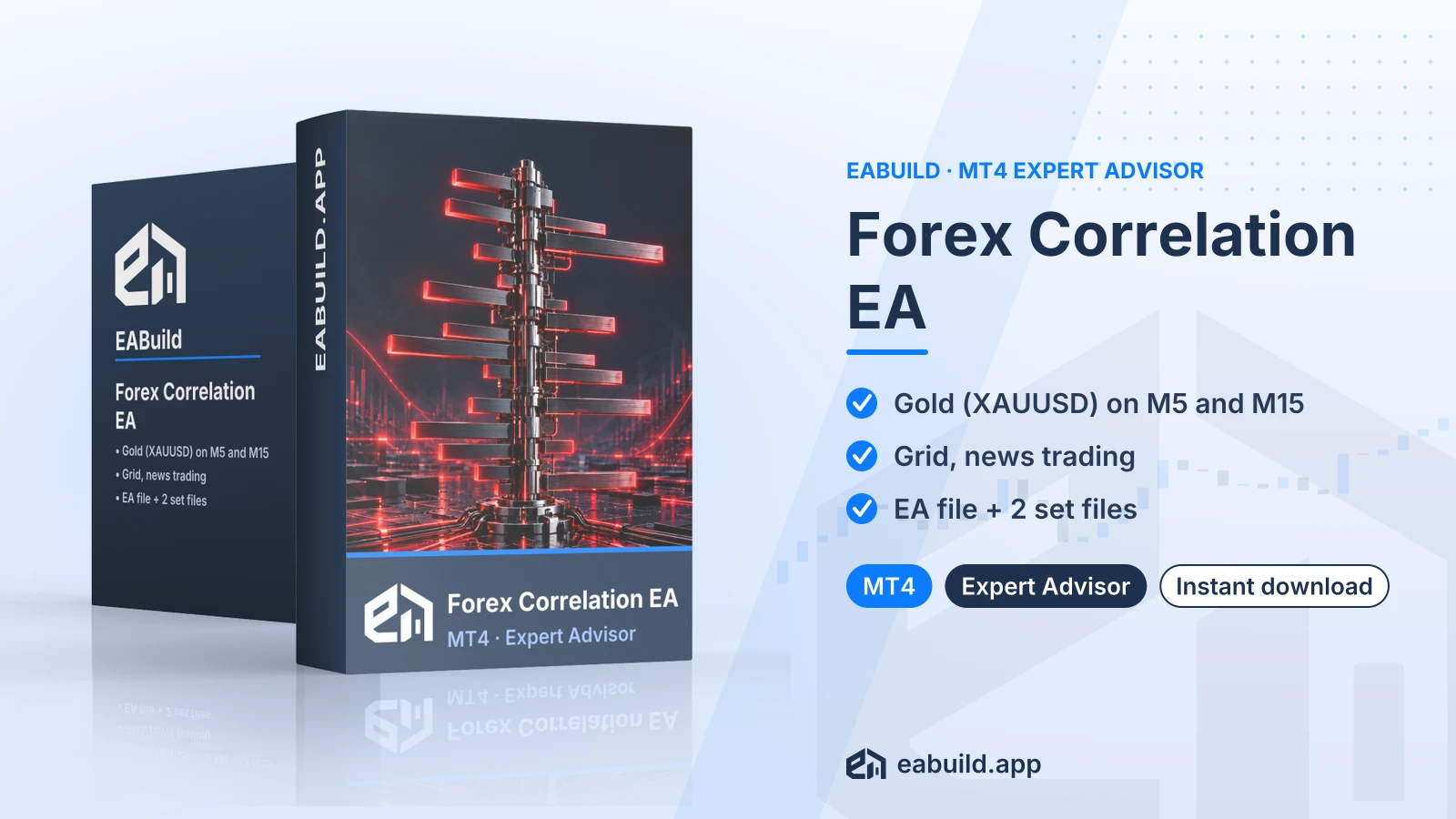
Forex Correlation EA for MT4
MT4 expert advisor for XAUUSD on M5 and M15, using a grid with news trading; includes 2 set files.
- MetaTrader 4, build 1471 or later
- XAUUSD on M5 and M15
- Grid and news trading strategy
- 1 compiled EA file and 2 set files
- No DLL needed
Choose how to get it
$29.00
Digital product — download after payment
Download right after payment
Refund policy
Refunds within 7 days of purchase for a broken or mismatched file, a duplicate charge, or a paid order without download access. No refund once a working file is downloaded, and no profit guarantee.
Read the refund policyBuild a similar strategy in Studio
Free to try: edit it in the Builder, backtest, download the EA.
Builds an MT5 version
Forex Correlation EA for MT4 is an expert advisor for MetaTrader 4 that trades XAUUSD (gold) with a grid and news-trading approach. The download includes the EA file and two set files.
- Platform: MetaTrader 4 (build 1471 or later)
- Symbol: XAUUSD; timeframes: M5 and M15
- Strategy: grid, news trading; grid/martingale: yes
- Recommended minimum deposit: $250
- In the package: one compiled EA file and 2 set files
This forex correlation EA MT4 download is a compiled expert advisor (an EA, a program that places trades automatically) for MetaTrader 4. The listing names XAUUSD, the gold price quoted in US dollars, as its symbol, with M5 and M15 as its timeframes.
The strategy is listed as grid plus news trading. A grid strategy opens extra orders at set price steps, and news trading means trading around economic releases. The listing also marks grid/martingale as yes. Martingale means increasing the lot size after a losing trade, so open exposure can grow quickly when price moves against the first order.
It suits traders who use MetaTrader 4 (build 1471 or later), want to run a gold EA on M5 or M15 charts, and are comfortable with how a grid behaves. Read the Strategy & Settings tab before you decide.
The download contains one compiled EA file and 2 set files. There are no source files, no PDF guide and no DLL. The EA is delivered as a digital download after payment, and it is also included in the membership, which gives you access to every product in the catalogue.
Trading foreign exchange and CFDs carries a high level of risk and may not be suitable for all investors. Past performance does not guarantee future results; only trade with money you can afford to lose.
Strategy and symbol
The listing describes the EA as a grid and news-trading system for XAUUSD on the M5 and M15 timeframes. It states grid/martingale as yes, so expect extra orders at set price steps and lot sizes that can increase after a loss. Drawdown (the drop from an account's peak balance) can rise fast with this type of strategy.
Recommended deposit
The listed recommended minimum deposit is $250. Treat it as a starting reference only. Your broker's lot sizes, leverage and spread on gold all change how much margin a grid can use.
Set files
The package has 2 set files. A set file is a saved list of input settings that you load from the EA's inputs window in MetaTrader. Each one is a starting configuration, not a recommendation of results, and the listing does not say how the two differ, so open them and compare the values before you load one.
News trading
News trading takes place around economic releases, when spreads can widen and slippage is common. Check your broker's typical spread and execution on XAUUSD before you trade live.
Before going live
Test the EA on a demo account first and check every setting before you trade live. The listing does not state prop-firm suitability, so confirm any firm's rules yourself before using an EA on such an account.
Platform and build
This EA is for MetaTrader 4 only and needs platform build 1471 or later. You can get the platform from metatrader4.com if you do not have it yet.
Files and settings
Unzip the download. It holds one compiled EA file and 2 set files. Place the compiled file in the Experts folder of your MetaTrader 4 data folder, then restart the platform or refresh the Navigator panel. Attach the EA to an XAUUSD chart on M5 or M15, and load one of the set files from the EA's inputs window.
Checks
- The Files fact lists no DLL, so no DLL setup is described for this product.
- Use XAUUSD only, as listed. Your broker may add a suffix to the symbol name.
- Enable algo trading in the platform before you attach the EA.
Does it work on MT4 or MT5?
It is built for MetaTrader 4 and needs build 1471 or later. The listing does not mention MetaTrader 5, so do not plan on using it there.
What exactly do I download?
The download includes one compiled EA file and 2 set files. It has no source code, no PDF and no DLL.
Does it need a DLL?
No. The Files fact for this product lists DLL as no.
Does this EA carry trading risk?
Yes. Trading is risky, and a grid strategy that increases lot sizes can raise drawdown quickly. Read the risk notice at the end of the Overview tab and the risk warning, and test on a demo account first.
Is it part of the membership?
Yes. Every product is included in the membership.
What if I need a refund?
See the refund policy for how refunds are handled.
- Platform
- MetaTrader 4
- Type
- Expert Advisor
- Category
- Expert Advisor
- Version
- latest
- Updated
- 10/25/2026
| Role | File name | Size | Version |
|---|---|---|---|
| Executable file | Forex_Correlation_EA_for_MT4.zip | 272.2 KB | latest |
Related products
Membership Membership
 Membership
 Membership
 Membership
 Membership
| Product | Platform | Type | Version | Membership | Price |
|---|---|---|---|---|---|
| Forex Bank EA for MT4 | MetaTrader 4 | Expert Advisor | latest | Membership | $29.00 |
| Quantum Fx EA for MT4 | MetaTrader 4 | Expert Advisor | latest | Membership | $29.00 |
| Signal Pro EA for MT4 | MetaTrader 4 | Expert Advisor | latest | Membership | $29.00 |
| AW Recovery EA for MT4 | MetaTrader 4 | Expert Advisor | v3.3 | Membership | $29.00 |
| Galileo FX EA for MT4 | MetaTrader 4 | Expert Advisor | v1.0 | Membership | $29.00 |
| FTMO Gold EA for MT5 | MetaTrader 5 | Expert Advisor | latest | Membership | $29.00 |
Reviews
No reviews yet.
Tags: Gold EAs
$29.00