 Membership
- MetaTrader 4
- Expert Advisor
- v1.33
- Updated: 11/01/2026
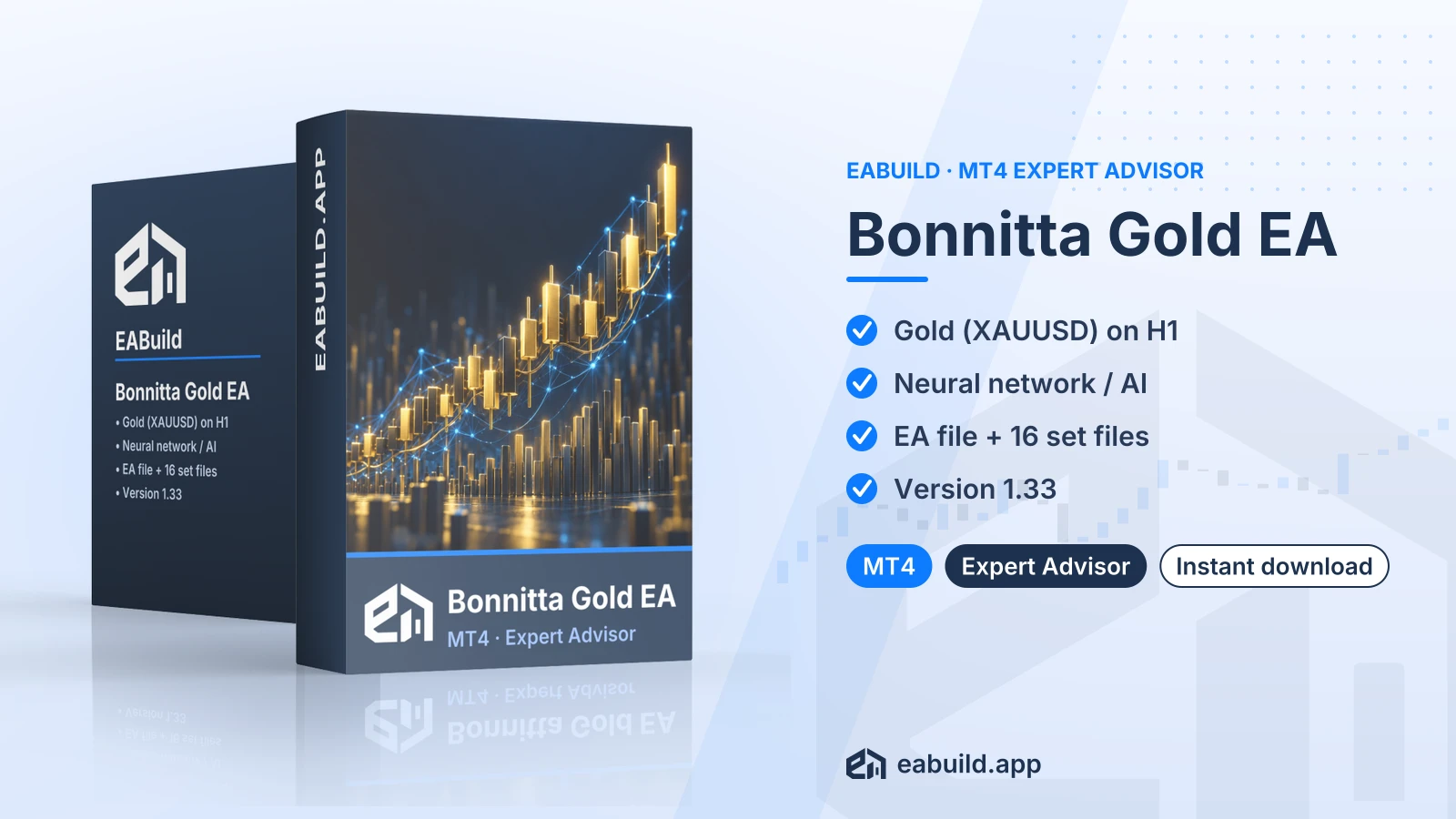
Bonnitta Gold EA for MT4
MetaTrader 4 expert advisor for XAUUSD on H1, described as a neural network / AI system, supplied with 16 set files.
- MetaTrader 4, build 1471 or higher
- XAUUSD on the H1 timeframe
- Neural network / AI strategy, as listed
- 1 compiled EA file and 16 set files
- No DLL in the download
Choose how to get it
$29.00
Digital product — download after payment
Download right after payment
Refund policy
Refunds within 7 days of purchase for a broken or mismatched file, a duplicate charge, or a paid order without download access. No refund once a working file is downloaded, and no profit guarantee.
Read the refund policyBuild a similar strategy in Studio
Free to try: edit it in the Builder, backtest, download the EA.
Builds an MT5 version
Bonnitta Gold is an expert advisor for MetaTrader 4 that trades gold (XAUUSD) on the H1 chart. The listing describes its logic as a neural network / AI approach.
- Platform: MetaTrader 4 (build 1471+), version 1.33
- Symbol: XAUUSD, timeframe: H1
- Strategy: neural network / AI; grid and martingale: not mentioned
- Recommended minimum deposit: $100
- In the package: one compiled EA file and 16 set files
The Bonnitta Gold EA MT4 download is an automated trading program for MetaTrader 4 that is built around one instrument, gold quoted as XAUUSD. It runs on the H1 (one-hour) timeframe and, as the listing states, uses a neural network / AI strategy. This page repeats that description and does not add detail about how the logic reaches its decisions.
It suits traders who already use MetaTrader 4 on a build of 1471 or newer and who want an EA aimed at XAUUSD on H1 rather than a multi-symbol system. Because the package carries 16 set files (saved lists of input settings you load in MetaTrader), it also suits people who like to compare several starting configurations on a demo account before choosing one.
The download contains one compiled EA file and 16 set files, supplied as a single zip archive for version 1.33. There is no source code and no PDF manual in the package, and the files need no DLL. Details on symbols, timeframe and the recommended deposit are in the Strategy & Settings tab.
If you want to explore similar tools first, two other AI gold EAs for MetaTrader 4 are AI Gold Sniper for MT4 and Gold Trading AI for MT4, and the AI trading EA guide covers the category. Every product on the site, this one included, is a digital download and is part of the membership.
Trading foreign exchange and CFDs carries a high level of risk and may not be suitable for all investors. Past performance does not guarantee future results; only trade with money you can afford to lose.
Strategy type
The listing describes this EA as using a neural network / AI approach. That is the label attached to it, nothing more: the facts do not explain what inputs the model reads or how it decides to open or close a trade, so treat the label as a description rather than a promise of any outcome.
Symbol, timeframe and deposit
- Symbol: XAUUSD only
- Timeframe: H1
- Recommended minimum deposit: $100
- Version: 1.33, for MetaTrader 4 build 1471 and up
Gold quotes can move sharply and brokers differ in spread and contract specification, so a $100 minimum is a starting reference rather than a measure of comfort. The deposit figure comes from the listing and says nothing about how much you should commit.
Grid and martingale
The listing does not mention grid or martingale behaviour either way. Because this is unknown, do not assume the EA avoids them. Watch the first demo trades and look at how lot sizes and the number of open positions develop.
The 16 set files
The package includes 16 set files. Each one is a ready-made starting configuration for the EA's inputs, not a recommendation of results. The facts do not say how the 16 files differ from one another, so open them and read the values before loading any. Run them one at a time on a demo XAUUSD H1 chart so you can see which settings you are actually using.
Prop firms
The facts do not say whether this EA suits prop-firm accounts, so no claim is made here. If you plan to use it with a funded-account programme, read that firm's rules on expert advisors first.
Platform and build
This EA is for MetaTrader 4 only, and the listing gives build 1471 as the minimum. Check your build under Help, About in the terminal and update the platform if it is older. If you do not have the terminal yet, the MetaTrader 4 website has the download.
What goes where
- Extract the zip archive. It holds one compiled EA file and 16 set files.
- Copy the compiled EA file into the Experts folder of your MetaTrader 4 data folder (File, Open Data Folder, MQL4, Experts), then restart the terminal or refresh the Navigator.
- Open an XAUUSD chart, set it to H1 and drag the EA onto it with algo trading enabled.
- In the EA's inputs window, use Load to pick one of the 16 set files. Each is a starting configuration, so check its values before trading.
Checks before you go live
- Use the symbol name your broker gives gold; the EA is listed for XAUUSD.
- The package needs no DLL, so there is no DLL option to change.
- Test on a demo account first and confirm the EA is attached to an H1 chart.
Will Bonnitta Gold run on MetaTrader 5?
No. This download is the MetaTrader 4 version and needs build 1471 or higher. A MetaTrader 5 edition would be a separate product with its own files, so do not load this one into MT5.
Which of the 16 set files should I load first on XAUUSD H1?
The facts do not say how the files differ, so there is no recommended one. Open each in a text editor to compare the values, then load one onto a demo XAUUSD H1 chart and watch its behaviour before trying another.
Does a neural network / AI label change how I should test it?
It does not make testing optional. The label is how the listing describes the logic, and it carries no assurance about results. Trading is risky, and the notice at the end of the Overview applies in full, so run the EA on a demo account first and judge it by what you see there.
Is there anything besides the compiled EA and 16 set files that I need to install?
No. The Files fact lists the package as one compiled EA, 16 set files, no source code, no PDF and no DLL.
Is $100 enough to run it?
The listing gives $100 as the recommended minimum deposit. Treat it as a reference figure only, since broker conditions and your chosen settings affect how a gold account behaves, and the amount does not reduce the risks of trading.
Can I get a refund on the Bonnitta Gold EA for MT4 if the 16 set files do not suit my broker?
Read the refund policy for how requests are handled.
- Platform
- MetaTrader 4
- Type
- Expert Advisor
- Category
- Expert Advisor
- Version
- v1.33
- Updated
- 11/01/2026
| Role | File name | Size | Version |
|---|---|---|---|
| Executable file | Bonnitta_Gold_EA_for_MT4.zip | 1.1 MB | v1.33 |
Related products
Membership Membership
 Membership
 Membership
 Membership
 Membership
| Product | Platform | Type | Version | Membership | Price |
|---|---|---|---|---|---|
| Advanced Hedge EA for MT4 | MetaTrader 4 | Expert Advisor | v4.0 | Membership | $29.00 |
| Galaxy Prop Firm EA for MT5 | MetaTrader 5 | Expert Advisor | latest | Membership | $29.00 |
| Liquidity Grabber Pro EA for MT5 | MetaTrader 5 | Expert Advisor | latest | Membership | $29.00 |
| US30 Omega EA for MT5 | MetaTrader 5 | Expert Advisor | latest | Membership | $29.00 |
| SuperGoldBot EA for MT4 | MetaTrader 4 | Expert Advisor | latest | Membership | $29.00 |
| AR Forex EA for MT4 | MetaTrader 4 | Expert Advisor | v1.64 | Membership | $29.00 |
Reviews
No reviews yet.
Tags: AI Trading EAs
$29.00