 Membership
- MetaTrader 5
- Expert Advisor
- v2.6.1
- Updated: 11/04/2026
BB AO EMA EA for MT5
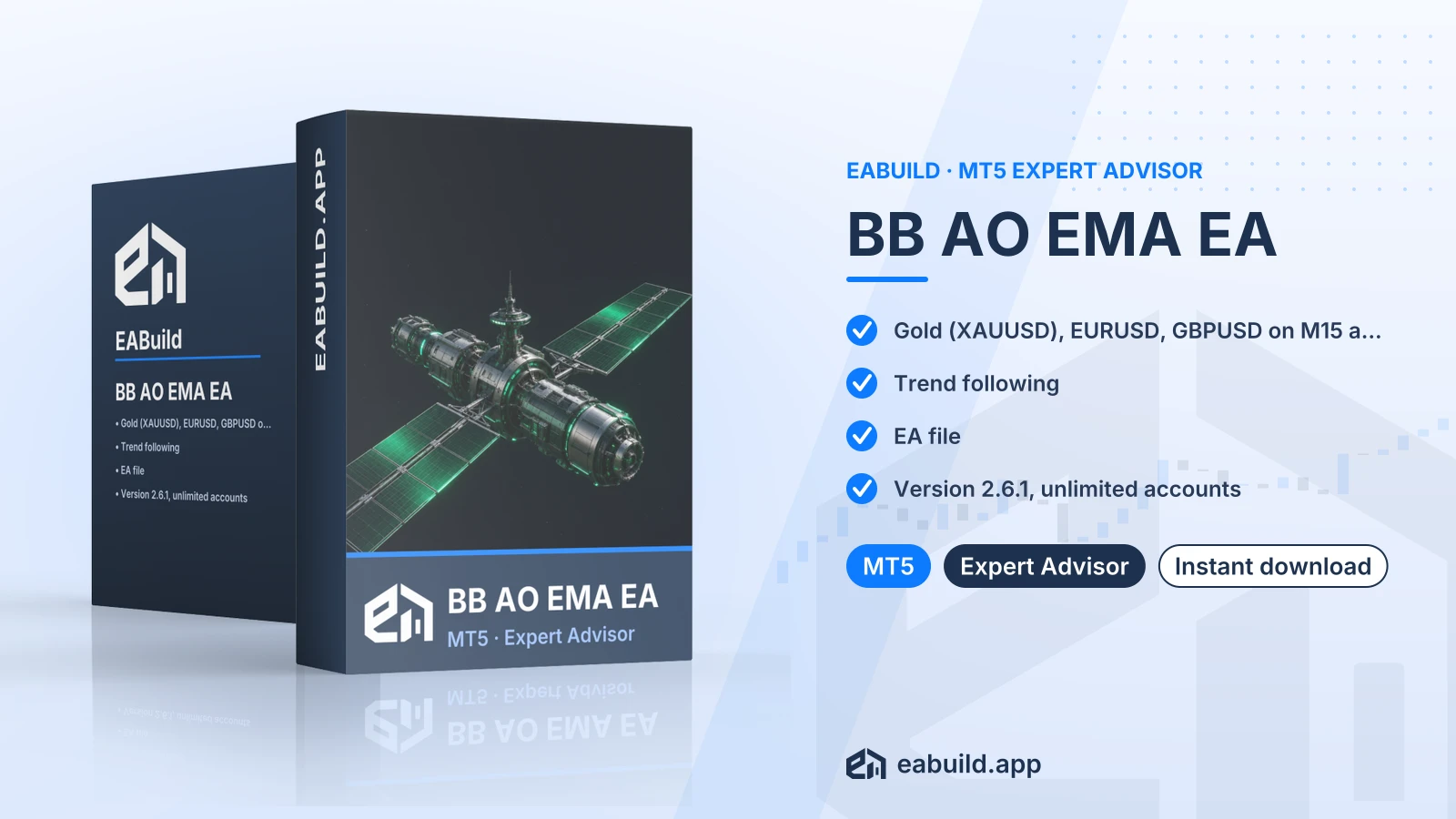
Trend following expert advisor for MetaTrader 5, built for XAUUSD, EURUSD and GBPUSD on the M15 and M30 timeframes.
- MetaTrader 5 expert advisor, version 2.6.1
- XAUUSD, EURUSD and GBPUSD on M15 and M30
- Trend following strategy
- Recommended minimum deposit: $500
- One compiled EA file, no DLL
Choose how to get it
$29.00
Digital product — download after payment
Download right after payment
Refund policy
Refunds within 7 days of purchase for a broken or mismatched file, a duplicate charge, or a paid order without download access. No refund once a working file is downloaded, and no profit guarantee.
Read the refund policyBuild a similar strategy in Studio
Free to try: edit it in the Builder, backtest, download the EA.
This is a trend following expert advisor for MetaTrader 5, delivered as a compiled EA file. It is designed for XAUUSD, EURUSD and GBPUSD.
- Platform: MetaTrader 5, version 2.6.1
- Symbols: XAUUSD, EURUSD, GBPUSD
- Timeframes: M15, M30
- Strategy: trend following (grid/martingale: not mentioned)
- Recommended minimum deposit: $500
- In the package: one compiled EA file, no DLL
- Licence: unlimited live and demo accounts
The bb ao ema ea mt5 download is an automated trading robot for MetaTrader 5. It follows a trend following approach, which means it is built to trade in the direction price has been moving rather than against it. The listing names three symbols, XAUUSD, EURUSD and GBPUSD, and two chart timeframes, M15 and M30.
It suits traders who already use MT5 and want to run a trend following EA on gold or on one of the two major currency pairs. The current version is 2.6.1. The shop does not state a minimum platform build, so use a current MT5 installation.
The download holds one compiled EA file and nothing else: no source code, no set files, no PDF guide and no DLL. A compiled file runs as it is, but you cannot open it in MetaEditor to read or change the logic.
Strategy type, symbols, timeframes and the recommended minimum deposit of $500 are explained in the Strategy & Settings tab. The Installation tab covers where the file goes. The EA is also included in the membership, which gives access to every product in the catalogue.
Trading foreign exchange and CFDs carries a high level of risk and may not be suitable for all investors. Past performance does not guarantee future results; only trade with money you can afford to lose.
Strategy
The listing describes the strategy as trend following. Such an EA looks for a prevailing price direction and opens trades that go with it. Trends can stall or reverse, so periods of sideways price movement are a normal challenge for this approach. Whether the EA uses grid or martingale methods is not mentioned in the listing, so do not assume either way.
Symbols and timeframes
- Symbols: XAUUSD, EURUSD, GBPUSD
- Timeframes: M15 and M30
Gold and the two currency pairs differ in price scale, spread and daily range. Check that your broker offers these exact symbol names, since some brokers add suffixes.
Deposit
The recommended minimum deposit is $500. This is a guide to the account size the listing has in mind, not a promise that a balance of that size is enough for any outcome. Lot size and your own loss limits matter more than the starting figure.
Settings
The package has no set files (a set file is a saved list of input values you load in MetaTrader). All inputs are therefore the ones you see in the EA's inputs window after attaching it. Read each input before trading, and change one thing at a time on a demo account so you can see what each change does.
Before you start
- Platform: MetaTrader 5 only. This file is not for MT4.
- Allowed symbols: XAUUSD, EURUSD, GBPUSD, on M15 or M30 charts.
- DLL: the facts list no DLL, so there is no DLL setting to change.
- Set files: none are included.
Steps
- Download the package and unzip it. It holds one compiled EA file.
- In MT5, open File, then Open Data Folder, and place the file in the MQL5/Experts folder.
- Restart MT5 or refresh the Navigator, then drag the EA onto an M15 or M30 chart of one of the three symbols.
- Enable algo trading, review the inputs, and run it on a demo account first.
You can download the platform itself from the MetaTrader 5 website.
Can I run the BB AO EMA EA on MT4?
No. This file is built for MetaTrader 5, as the platform field in the listing states. It will not load in MT4.
Which symbols and timeframes should I attach it to?
The listing names XAUUSD, EURUSD and GBPUSD, with M15 and M30 as the timeframes. Other symbols or timeframes are not covered by the facts, so test them separately on a demo account if you try them.
There are no set files, so how do I configure it?
The download has one compiled EA file and 0 set files. You set the inputs by hand in the EA's inputs window. Note your changes, as there is no saved preset to return to.
How should I test a trend following EA before using $500 or more live?
Run it on a demo account on one symbol and one timeframe first, for example XAUUSD on M15. Watch how it behaves when price moves sideways, since trend following can struggle then. Trading is risky and a demo result does not predict live results, as the risk notice in the Overview says.
Can I attach the BB AO EMA EA to both a demo and a live account?
The listing states unlimited live and demo accounts. It states nothing else about the licence.
Where do I check the refund policy for the BB AO EMA download?
Read the refund policy for what applies to your purchase.
- Platform
- MetaTrader 5
- Type
- Expert Advisor
- Category
- Expert Advisor
- Version
- v2.6.1
- Updated
- 11/04/2026
| Role | File name | Size | Version |
|---|---|---|---|
| Executable file | BB_AO_EMA_EA_for_MT5.zip | 491.8 KB | v2.6.1 |
Related products
Membership Membership
 Membership
 Membership
 Membership
 Membership
| Product | Platform | Type | Version | Membership | Price |
|---|---|---|---|---|---|
| GOLD EAgle EA for MT4 | MetaTrader 4 | Expert Advisor | v4.9 | Membership | $29.00 |
| Gianluca Arrigo EA for MT5 | MetaTrader 5 | Expert Advisor | v2.1 | Membership | $29.00 |
| Gold Killer Pro EA for MT5 | MetaTrader 5 | Expert Advisor | v16 | Membership | $29.00 |
| Golden Phoenix EA for MT4 | MetaTrader 4 | Expert Advisor | v5.0 | Membership | $29.00 |
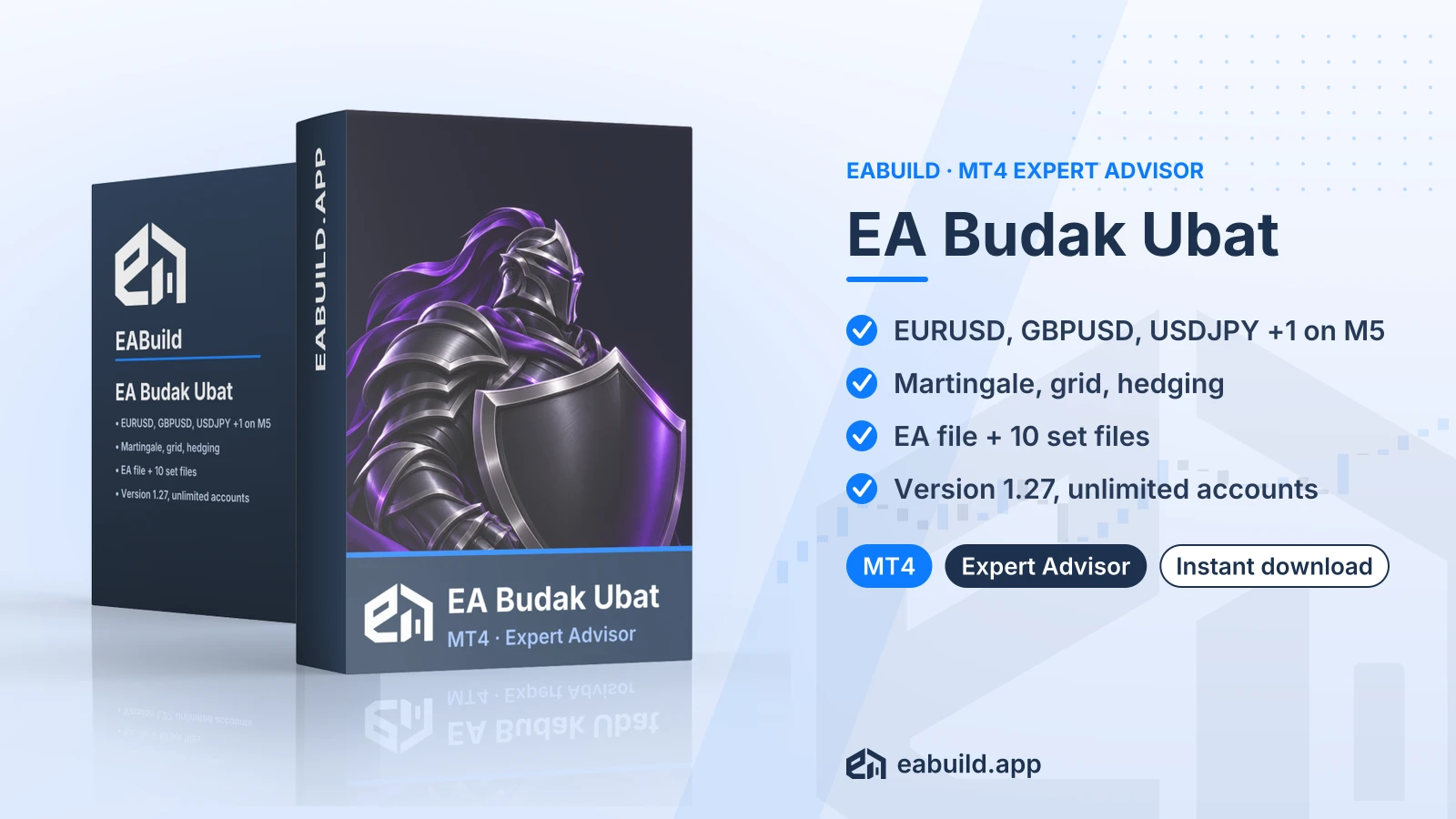
| EA Budak Ubat for MT4 | MetaTrader 4 | Expert Advisor | v1.27 | Membership | $29.00 |
| Artificial Intelligence EA AI for MT4 | MetaTrader 4 | Expert Advisor | latest | Membership | $29.00 |
Reviews
No reviews yet.
Tags: Gold EAs
$29.00